

My stickers
📦 'My stickers' pack mein 24 stickers hain ekdum fresh update ke saath. WhatsApp par install karne ke liye free download.
-

memukul orang jawa
-

KRESNA kane kah? 4416
-
mas masih cari hotel buat kita nnti
-
siap" dek
-

mau berak dek
-

TADI ADA EMBAK-EMBAK SUSUNYA SEGINI
-

ilmu padi abangkuh
-

tidak menerima omong kosong
-

tidak menerima omong kosong
-

tidak menerima info dari rendi
-

japu kuyy
-

ketua skip dulu lagi pengen ngopi
-

MINIMAL KERJA BOS
-
salam tempel
-
ada apa nich
-

tolong saya dari manusia ini
-
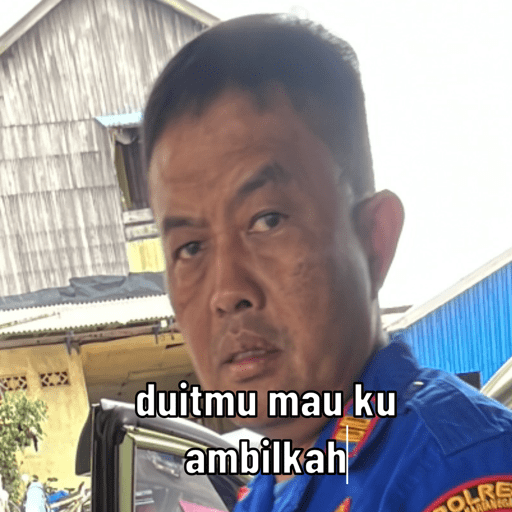
duitmu mau ku ambilkah OLRE
-
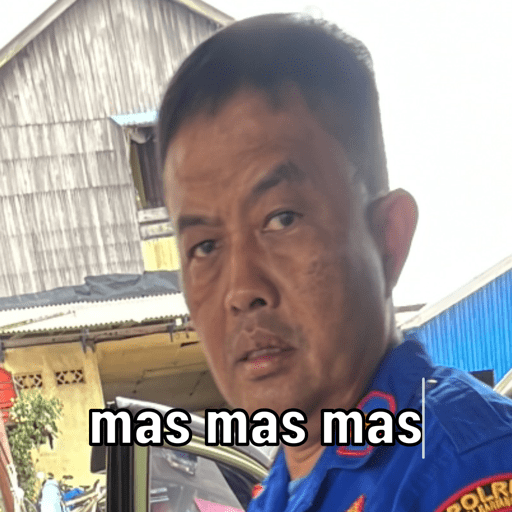
mas mas mas SOLR
-

BASTARRCARUS hehehe COL
-

bwabwaa
-

ALDA BA BANTARA SKELMOTOR SETENGAH RACING MELAYANI -RESTORASI-MODIFIKASI-SPAREPART-DLL siap"sek bolo
-

ASYAFTI 2 POLRI joss bang
-

sofan sedikit mas
-

sofan sedikit mas
WhatsApp par download aur install karein
Is sticker pack ko apne WhatsApp par install karne ke liye Sticker Maker app zaroori hai. Agar aapke paas nahi hai, to yahan se download karein: Google Play Store aur App Store. Phone mein app aa jaane ke baad ye steps follow karein:
- Neeche di gayi sticker file download karein (iska extension .wastickers hai). Download hui file ko apne mobile mein dhoondhein aur us par tap karein. Aapka phone poochega ki ise kis app se kholna hai; Sticker Maker chunein. App is file ko automatically naye sticker pack ke roop mein pehchaan lega.
- Jab pack Sticker Maker mein dikh jaye, to "Meri library mein add karein" wala button dabayein, phir "WhatsApp mein add karein", bas ho gaya! Aapke naye stickers aapki saari WhatsApp chats mein use ke liye ready honge.
Sticker.ly se WhatsApp par install karein
Is pack ko add karne ka ek aasan tareeka hai Sticker.ly app. Agar aapke paas abhi tak nahi hai, to yahan se download karein: Google Play Store aur App Store. Phir in do aasan tareekon mein se ek chunein:
- Direct link se: Bas pack ke is link par tap karein: 3S0QFK. Agar aapke paas Sticker.ly install hai, to stickers turant app mein dikh jayenge.
- Pack code se: Chahein to yahan tap karke "pack code" copy karein: aur use Sticker.ly app ke search bar mein paste kar dein.
Sticker.ly mein pahunchne ke baad "WhatsApp mein add karein" par tap karke confirm karein, aur stickers turant aapke WhatsApp app mein bhej diye jayenge.























