

My stickers
📦 The 'My stickers' pack includes 24 stickers freshly updated. Free download to install on WhatsApp.
-

memukul orang jawa
-

KRESNA kane kah? 4416
-
mas masih cari hotel buat kita nnti
-

siap" dek
-

mau berak dek
-

TADI ADA EMBAK-EMBAK SUSUNYA SEGINI
-

ilmu padi abangkuh
-

tidak menerima omong kosong
-

tidak menerima omong kosong
-

tidak menerima info dari rendi
-

japu kuyy
-

ketua skip dulu lagi pengen ngopi
-

MINIMAL KERJA BOS
-
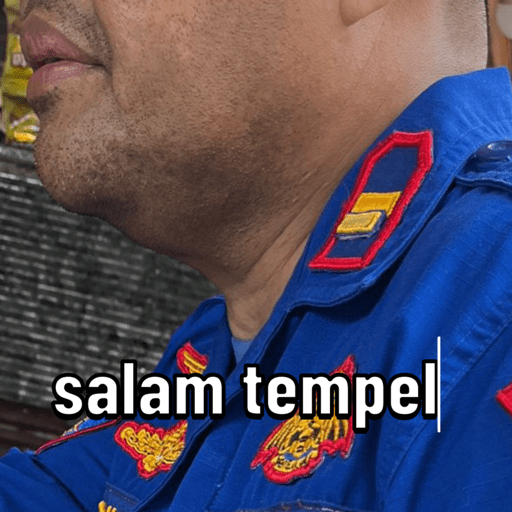
salam tempel
-

ada apa nich
-

tolong saya dari manusia ini
-
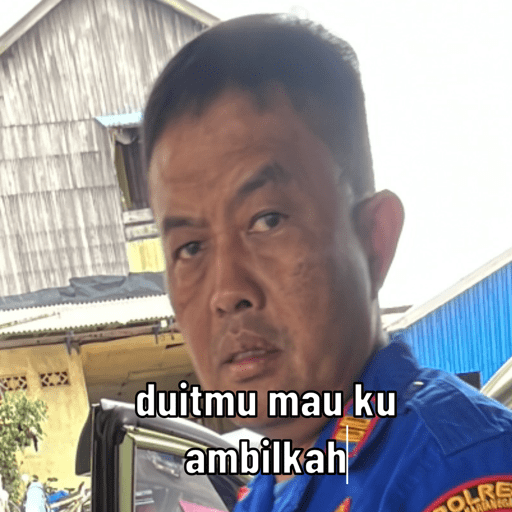
duitmu mau ku ambilkah OLRE
-

mas mas mas SOLR
-

BASTARRCARUS hehehe COL
-

bwabwaa
-

ALDA BA BANTARA SKELMOTOR SETENGAH RACING MELAYANI -RESTORASI-MODIFIKASI-SPAREPART-DLL siap"sek bolo
-

ASYAFTI 2 POLRI joss bang
-

sofan sedikit mas
-

sofan sedikit mas
Download and Install on WhatsApp
The Sticker Maker app is necessary to install this sticker pack on your WhatsApp. If you don't have it, download it from: Google Play Store and App Store. Once you have it on your phone, follow these instructions:
- Download the sticker file we provide below (it has the .wastickers extension). Locate the downloaded file on your mobile and tap it. Your device will ask you which application you want to open it with; select Sticker Maker. The app will automatically recognize the file as a new sticker pack.
- Once you see the pack inside Sticker Maker, just press the button that says "Add to My Library", then "Add to WhatsApp" and that's it! Your new stickers will be available for use in all your WhatsApp conversations.
Installation on WhatsApp with Sticker.ly
An easy way to add this pack is through the Sticker.ly app. If you don't have it yet, download it from: Google Play Store and App Store. Then choose one of these two simple methods:
- With Direct Link: Simply tap this link to the pack 3S0QFK. If you have Sticker.ly installed, you will immediately see the stickers in the app.
- Using the Pack Code: If you prefer, you can copy the "pack code" by tapping here: and paste it into the search bar inside the Sticker.ly app.
Once inside Sticker.ly, confirm the action by tapping "Add to WhatsApp" and the stickers will be instantly sent to your WhatsApp app.























