

Cafeteria Trays
📦 Metal cafeteria trays filled with emoji meals—veggies, mains, desserts and fruit. Classic school lunches plus a few wild surprise combos. Use when sharing lunch plans, joking about cafeteria food, or sending a funny meal combo. The 'Cafeteria Trays' pack includes 7 stickers freshly updated. Free download to install on WhatsApp.
-
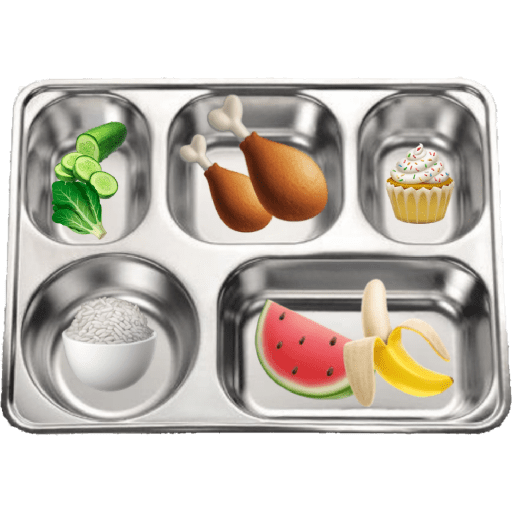
🍗 Chicken Lunch Tray
Greens, drumsticks, cupcake, rice, watermelon and banana. Perfect for a hearty, balanced lunch vibe.
-

🍕 Pizza Lunch Tray
Broccoli, pepperoni pizza, cake, rice and grapes. When lunch is pizza night in the cafeteria.
-
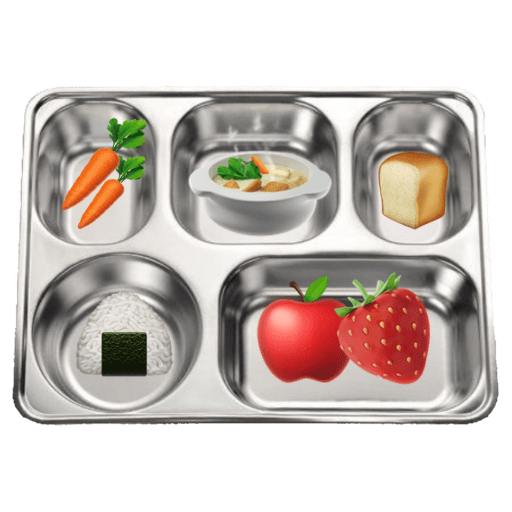
🥕 Soup & Fruit Tray
Carrots, hot soup, bread, onigiri, apple and strawberry. Cozy comfort-food lunch with soup and fruit.
-

🍜 Ramen Lunch Tray
Peas, ramen bowl, flan, onigiri and cherries. Slurp ramen and finish with cherries and flan.
-

🥩 Steak Dumpling Tray
Greens, egg, steak, dumplings, rice and blueberries. Protein-packed tray with steak, egg and dumplings.
-

👄 Anatomy Lunch Tray
Lips, eyes, a hand, a brain and a leg on a tray. Dark-humor tray when lunch looks a bit too human.
-
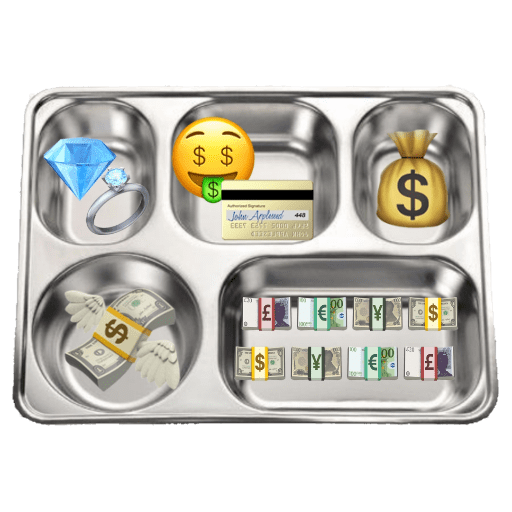
💰 Money Lunch Tray
Diamond ring, money face, credit card, cash bag and bills. Flex wealth, payday, or joke that lunch is just money.
Download and Install on WhatsApp
The Sticker Maker app is necessary to install this sticker pack on your WhatsApp. If you don't have it, download it from: Google Play Store and App Store. Once you have it on your phone, follow these instructions:
- Download the sticker file we provide below (it has the .wastickers extension). Locate the downloaded file on your mobile and tap it. Your device will ask you which application you want to open it with; select Sticker Maker. The app will automatically recognize the file as a new sticker pack.
- Once you see the pack inside Sticker Maker, just press the button that says "Add to My Library", then "Add to WhatsApp" and that's it! Your new stickers will be available for use in all your WhatsApp conversations.
Installation on WhatsApp with Sticker.ly
An easy way to add this pack is through the Sticker.ly app. If you don't have it yet, download it from: Google Play Store and App Store. Then choose one of these two simple methods:
- With Direct Link: Simply tap this link to the pack 31JAOH. If you have Sticker.ly installed, you will immediately see the stickers in the app.
- Using the Pack Code: If you prefer, you can copy the "pack code" by tapping here: and paste it into the search bar inside the Sticker.ly app.
Once inside Sticker.ly, confirm the action by tapping "Add to WhatsApp" and the stickers will be instantly sent to your WhatsApp app.























