Kazuha
📦 Stylish selfies of Kazuha from LE SSERAFIM. Cute, chic, and stage-ready looks for every chat mood. Use when chatting about K-pop, LE SSERAFIM, or to send a cute, cool, or glamorous vibe. 'Kazuha' pack mein 24 stickers hain high quality mein. WhatsApp par install karne ke liye free download.
-
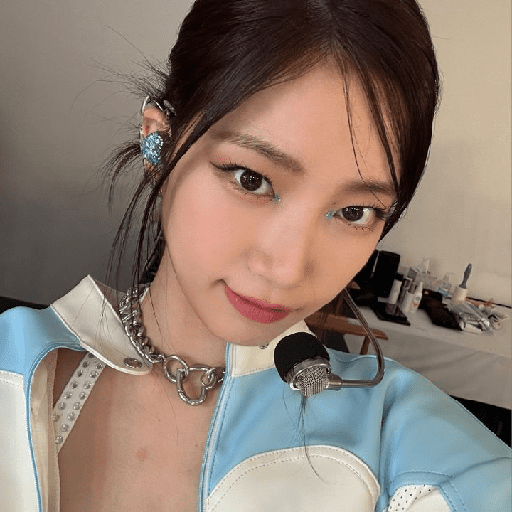
🎤 Stage headset
Close-up with a headset mic, chain necklace, and blue-white stage look. When you feel like a star or share a stage-ready moment.
-
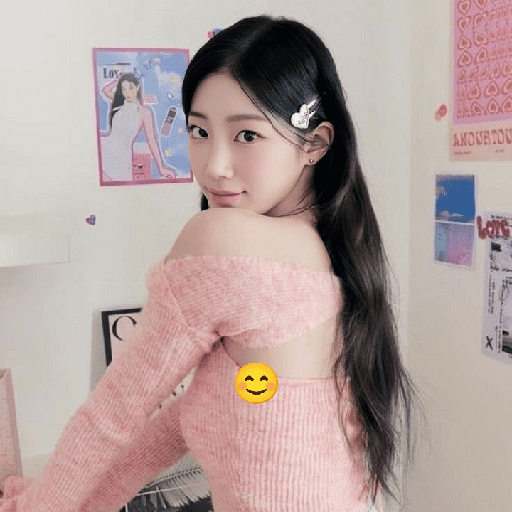
💗 Pink look-back
Looking back in a pink off-shoulder knit with a heart hair clip. For a cute, flirty glance or cozy pink energy.
-

🎀 Store selfie
Long hair with white ribbons, casual selfie in a bright store. Everyday cute moments while out running errands.
-

💙 Blue pigtails
Twin braids with blue ribbons, charm necklace, and a sweet smile. Playful, sweet energy or showing off a fun hairstyle.
-

✌️ Beret peace
Black beret, white knit, peace sign and a finger on the nose. Playful hello, peace out, or a cheeky cute pose.
-
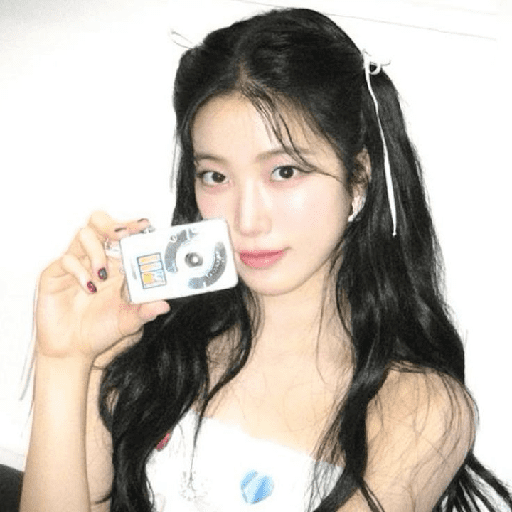
📷 Vintage cam
Holding a silver digital camera, white ribbons in long dark hair. Y2K mood, photo dump energy, or capturing a memory.
-
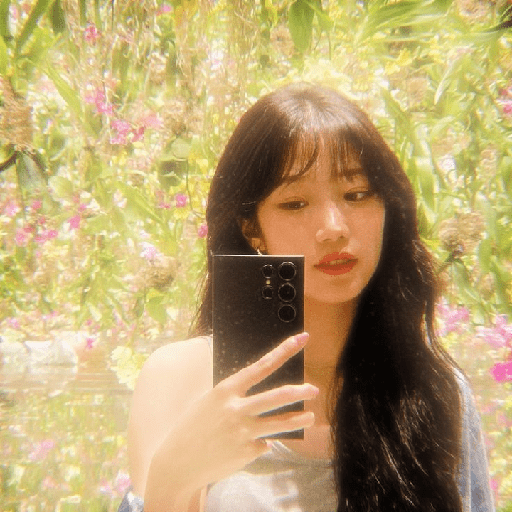
🌸 Garden mirror
Dreamy phone mirror selfie among greenery and purple flowers. Soft, dreamy days or a pretty outdoor check-in.
-
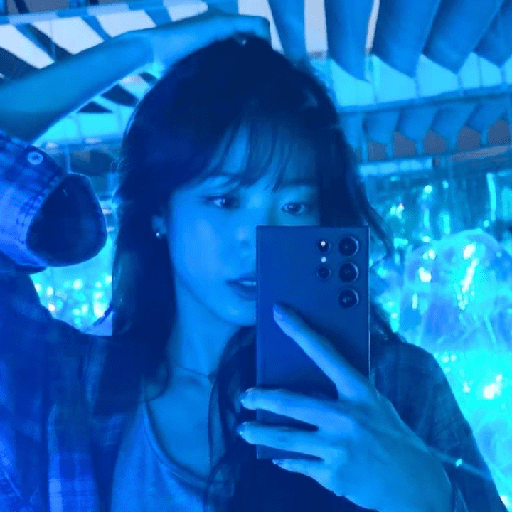
💙 Blue hour
Cool blue-tinted mirror selfie in a plaid shirt at night. Night-out mood, cool vibes, or late-night thoughts.
-
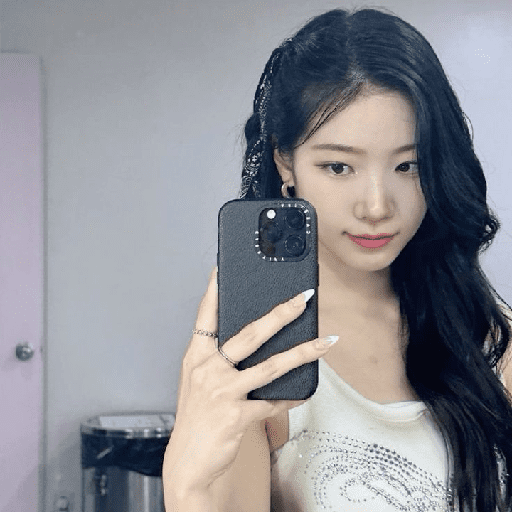
📱 Case selfie
Mirror selfie holding a black phone with a logo case. Casual mirror check or a simple confident pose.
-
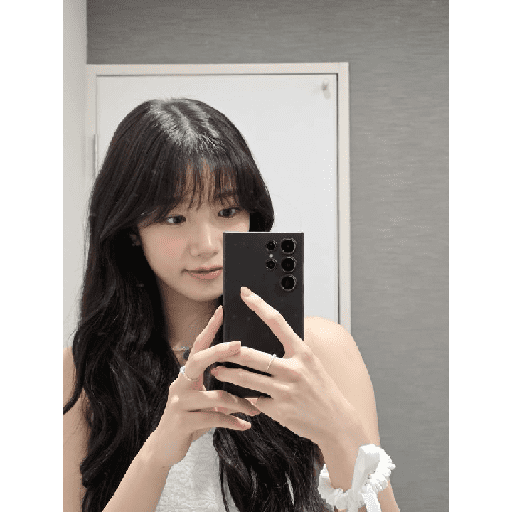
🪞 Bangs mirror
Straight bangs, two-hand phone selfie, white scrunchie on the wrist. Soft girl mirror pic or a quiet pretty moment.
-

🌼 Yellow flower
Looking back with a yellow flower in her hair and a pink bud. Fresh, floral, spring energy or a pretty side glance.
-
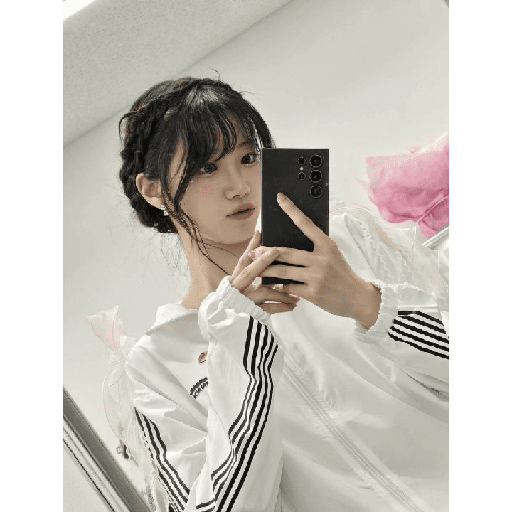
🤍 Track jacket
White striped track jacket, braided hair, phone mirror selfie. Sporty-chic mood or a quick outfit check.
-

✌️ Peace sparkle
Peace sign by the eye, glitter makeup, layered necklaces. Glam peace, sparkly night-out, or a cute close-up.
-
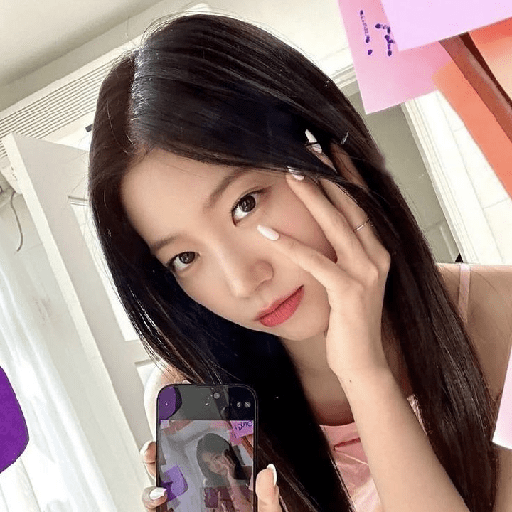
🥺 Soft pose
Hand on cheek, holding a phone that shows another selfie. Soft, thoughtful, or a little shy-cute energy.
-

😘 Pout kiss
Playful pout and kissy face with long sleek hair. Sending a kiss, being extra, or a flirty bye.
-

🐰 Bunny plush
Sitting on stairs, cheek resting on a fluffy white bunny. Extra cute, cozy, or baby-soft mood.
-

🤍 Studio calm
Soft studio portrait in a white shirt, calm and elegant. Quiet confidence, classy vibe, or a serious pretty look.
-

💎 Nose gem
Straight bangs, nose gem, dangling earrings, and a small pout. Edgy-cute makeup look or a slightly sulky mood.
-

💛 Yellow night
Looking back in a bright yellow studded top at night. Bold night-out look or a dramatic side glance.
-
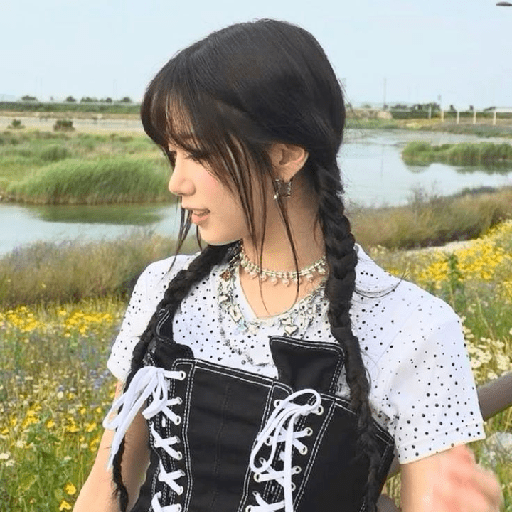
🌿 Meadow braids
Twin braids, layered necklaces, black corset by the water. Nature day, cottage-meets-cool, or a scenic outing.
-
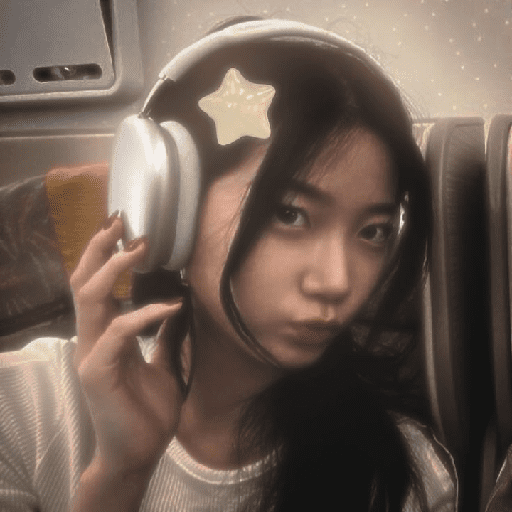
🎧 Star headphones
On a trip with silver headphones and a star hair clip, pouting. Travel mood, in my own world, or a cute sulk.
-

👖 Crop and jeans
Studio pose in a white crop top and blue jeans, easy smile. Casual cool, simple pretty, or a clean fashion vibe.
-
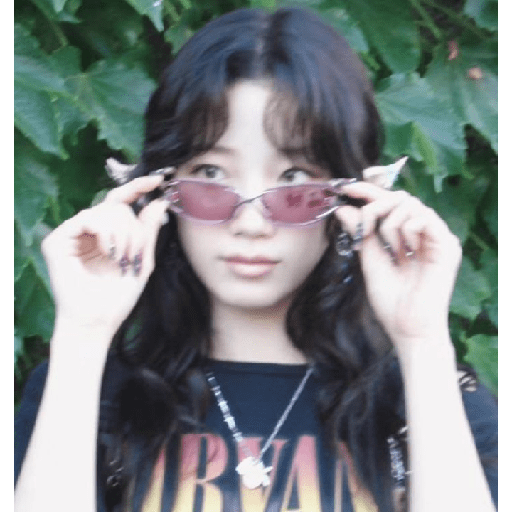
😎 Pink shades
Adjusting pink sunglasses, Nirvana tee, leafy backdrop. Cool-girl energy, rock vibe, or hiding behind shades.
-
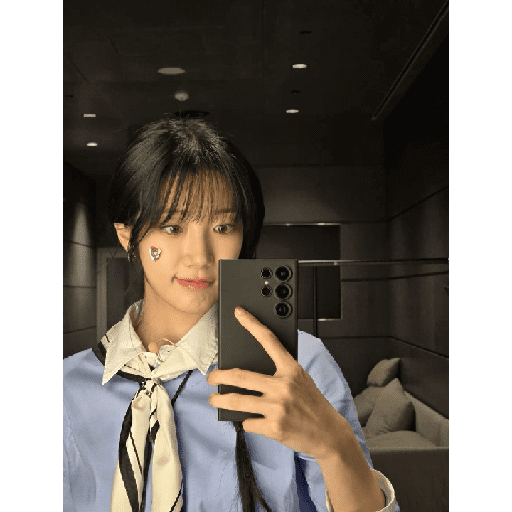
💙 Heart cheek
Blue shirt, silk scarf, heart sticker on the cheek, phone selfie. Polished cute, work-to-play, or a sweet detail.
WhatsApp par download aur install karein
Is sticker pack ko apne WhatsApp par install karne ke liye Sticker Maker app zaroori hai. Agar aapke paas nahi hai, to yahan se download karein: Google Play Store aur App Store. Phone mein app aa jaane ke baad ye steps follow karein:
- Neeche di gayi sticker file download karein (iska extension .wastickers hai). Download hui file ko apne mobile mein dhoondhein aur us par tap karein. Aapka phone poochega ki ise kis app se kholna hai; Sticker Maker chunein. App is file ko automatically naye sticker pack ke roop mein pehchaan lega.
- Jab pack Sticker Maker mein dikh jaye, to "Meri library mein add karein" wala button dabayein, phir "WhatsApp mein add karein", bas ho gaya! Aapke naye stickers aapki saari WhatsApp chats mein use ke liye ready honge.
Sticker.ly se WhatsApp par install karein
Is pack ko add karne ka ek aasan tareeka hai Sticker.ly app. Agar aapke paas abhi tak nahi hai, to yahan se download karein: Google Play Store aur App Store. Phir in do aasan tareekon mein se ek chunein:
- Direct link se: Bas pack ke is link par tap karein: MRSMCM. Agar aapke paas Sticker.ly install hai, to stickers turant app mein dikh jayenge.
- Pack code se: Chahein to yahan tap karke "pack code" copy karein: aur use Sticker.ly app ke search bar mein paste kar dein.
Sticker.ly mein pahunchne ke baad "WhatsApp mein add karein" par tap karke confirm karein, aur stickers turant aapke WhatsApp app mein bhej diye jayenge.