

LatChinAmerica
📦 'LatChinAmerica' pack mein 27 stickers hain jo install karne mein aasan hain. WhatsApp par install karne ke liye free download.
-
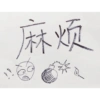
麻烦 。
-
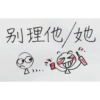
别理他/她 )))
-
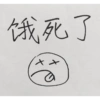
饿死了 一
-
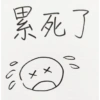
Радз ХХ х оо
-
说得轻巧~ FOOD
-
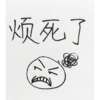
烦死了
-
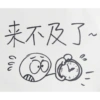
来不及了~ 2 cl
-

来得及~
-
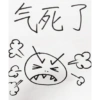
气死了 的 20
-
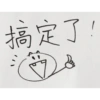
搞定了! =
-
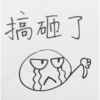
搞砸了
-
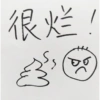
很烂!
-
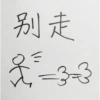
别走 3-3
-
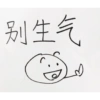
别生气
-
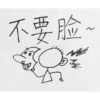
不要脸 飞 学 ~
-
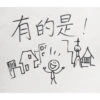
有的是! TA 果
-

雨 朝 学
-
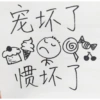
宠坏了 惯坏了
-
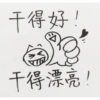
干得好! v W 干得漂亮!
-
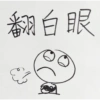
翻白眼
-

干杯! 00
-

☆ 敖夜。 2 00
-
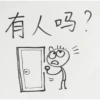
有人吗? 16 //
-
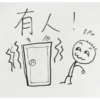
有人! plo
-
打疫苗 18
-
网红 M
-

跳槽 时 紅 000 PODO
WhatsApp par download aur install karein
Is sticker pack ko apne WhatsApp par install karne ke liye Sticker Maker app zaroori hai. Agar aapke paas nahi hai, to yahan se download karein: Google Play Store aur App Store. Phone mein app aa jaane ke baad ye steps follow karein:
- Neeche di gayi sticker file download karein (iska extension .wastickers hai). Download hui file ko apne mobile mein dhoondhein aur us par tap karein. Aapka phone poochega ki ise kis app se kholna hai; Sticker Maker chunein. App is file ko automatically naye sticker pack ke roop mein pehchaan lega.
- Jab pack Sticker Maker mein dikh jaye, to "Meri library mein add karein" wala button dabayein, phir "WhatsApp mein add karein", bas ho gaya! Aapke naye stickers aapki saari WhatsApp chats mein use ke liye ready honge.
Sticker.ly se WhatsApp par install karein
Is pack ko add karne ka ek aasan tareeka hai Sticker.ly app. Agar aapke paas abhi tak nahi hai, to yahan se download karein: Google Play Store aur App Store. Phir in do aasan tareekon mein se ek chunein:
- Direct link se: Bas pack ke is link par tap karein: KAI5B3. Agar aapke paas Sticker.ly install hai, to stickers turant app mein dikh jayenge.
- Pack code se: Chahein to yahan tap karke "pack code" copy karein: aur use Sticker.ly app ke search bar mein paste kar dein.
Sticker.ly mein pahunchne ke baad "WhatsApp mein add karein" par tap karke confirm karein, aur stickers turant aapke WhatsApp app mein bhej diye jayenge.























