Warm Hugs
📦 Heartfelt cartoon hugs from cute couples and anime friends. Perfect for sending love, comfort, and warmth in any chat. Use these hugs to cheer someone up, say I miss you, show affection, or wrap a friend in a virtual embrace after a long day. 'Warm Hugs' pack mein 10 stickers hain jo har chat mein chahiye. WhatsApp par install karne ke liye free download.
-

🥰 Heart Eyes Hug
A joyful character with heart-shaped blush tightly hugging a friend. Send when you're overflowing with affection or so happy to see someone.
-
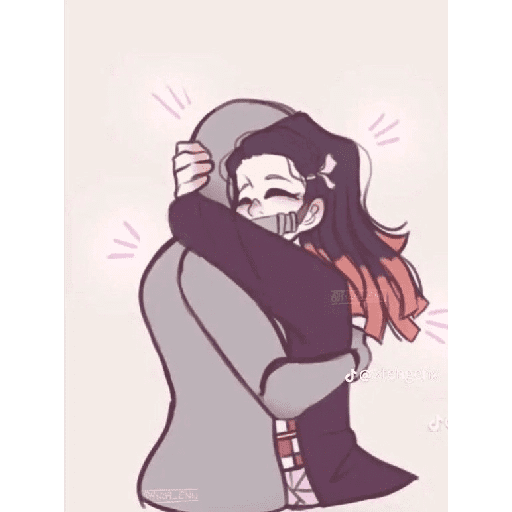
🤗 Excited Hug
An anime girl happily squeezing someone in a hoodie, sparkles flying. Use when you're thrilled to reunite or can't contain your excitement.
-

🫂 Tender Embrace
A couple sharing a warm, emotional hug in soft vintage colors. Perfect for missing someone, reconciling, or saying I love you.
-

🤗 After School Hug
Two students hugging tightly after a long day, bags still on. For reuniting after school, missing a friend, or a comforting hello.
-
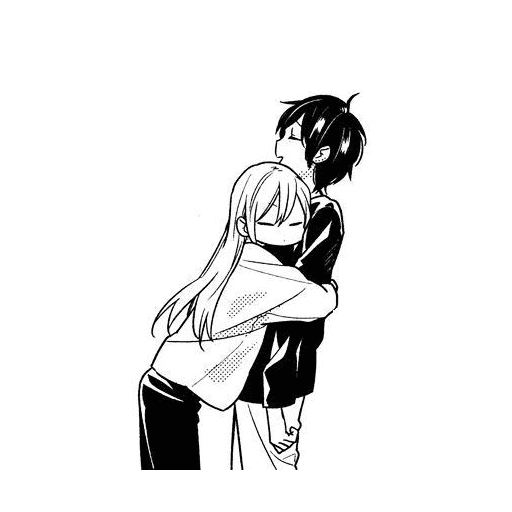
😳 Clingy Hug
A girl wraps her arms around a boy who looks slightly flustered. When you want to cling to someone or playfully won't let go.
-
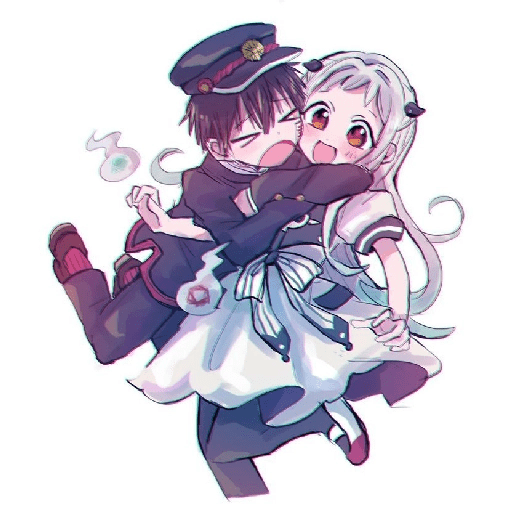
😆 Playful Spin Hug
Two joyful anime characters hugging mid-spin with huge smiles. Send for fun, celebration, or an energetic burst of affection.
-
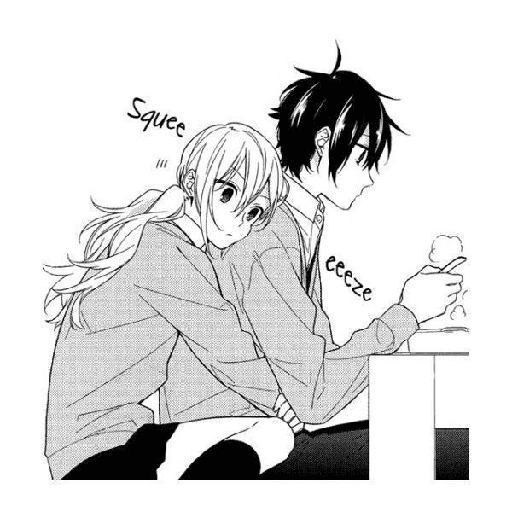
🤗 Surprise Squeeze
A girl sneakily hugs a boy from behind while he tries to eat. For clingy affection, interrupting someone cutely, or a surprise hug.
-
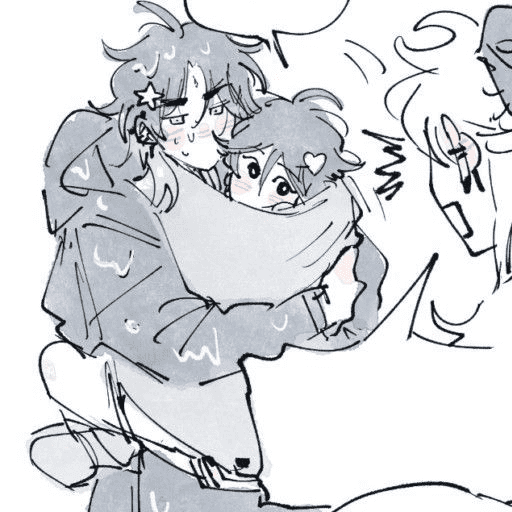
😲 Possessive Hug
A character tightly holds another while a friend looks on in shock. When you're possessive, protective, or hugging someone a little too hard.
-
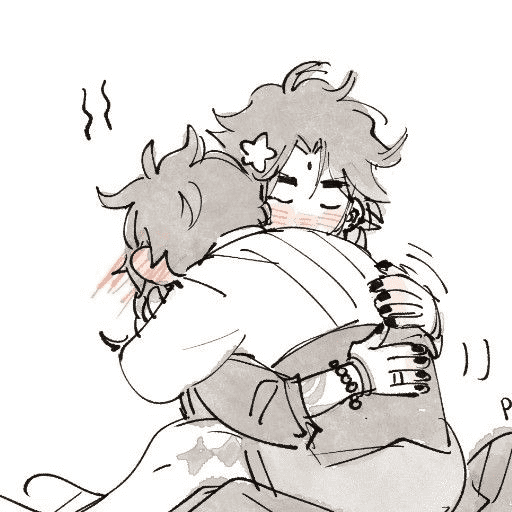
😊 Blushing Hug
Two characters share a close, blushing hug with motion lines. For shy affection, a heartfelt reunion, or an emotional moment.
-
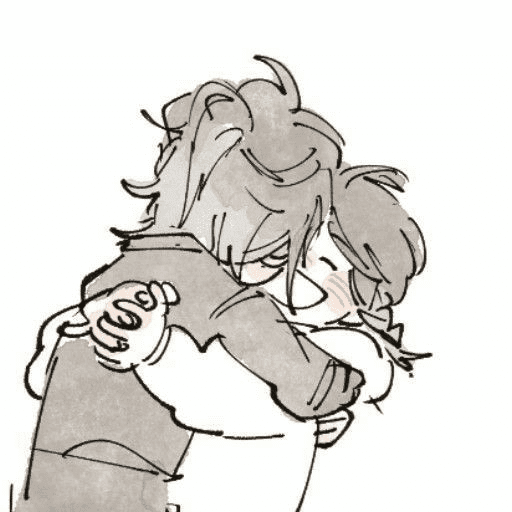
😌 Soft Smile Hug
A gentle hug where one character smiles peacefully with closed eyes. Send to comfort someone, say thank you, or share a quiet moment of love.
WhatsApp par download aur install karein
Is sticker pack ko apne WhatsApp par install karne ke liye Sticker Maker app zaroori hai. Agar aapke paas nahi hai, to yahan se download karein: Google Play Store aur App Store. Phone mein app aa jaane ke baad ye steps follow karein:
- Neeche di gayi sticker file download karein (iska extension .wastickers hai). Download hui file ko apne mobile mein dhoondhein aur us par tap karein. Aapka phone poochega ki ise kis app se kholna hai; Sticker Maker chunein. App is file ko automatically naye sticker pack ke roop mein pehchaan lega.
- Jab pack Sticker Maker mein dikh jaye, to "Meri library mein add karein" wala button dabayein, phir "WhatsApp mein add karein", bas ho gaya! Aapke naye stickers aapki saari WhatsApp chats mein use ke liye ready honge.
Sticker.ly se WhatsApp par install karein
Is pack ko add karne ka ek aasan tareeka hai Sticker.ly app. Agar aapke paas abhi tak nahi hai, to yahan se download karein: Google Play Store aur App Store. Phir in do aasan tareekon mein se ek chunein:
- Direct link se: Bas pack ke is link par tap karein: 6EY95T. Agar aapke paas Sticker.ly install hai, to stickers turant app mein dikh jayenge.
- Pack code se: Chahein to yahan tap karke "pack code" copy karein: aur use Sticker.ly app ke search bar mein paste kar dein.
Sticker.ly mein pahunchne ke baad "WhatsApp mein add karein" par tap karke confirm karein, aur stickers turant aapke WhatsApp app mein bhej diye jayenge.