Heart2Heart Memes
📦 Cute K-pop idol reactions with Indonesian meme captions for every mood—from laughs to cringe. Send when chatting with friends who love K-pop and Indonesian slang. Tease, react, or match any vibe. 'Heart2Heart Memes' pack mein 20 stickers hain daily chats ke liye. WhatsApp par install karne ke liye free download. In stickers ke phrases Indonesian mein hain.
-

😂 Big Laugh
Twin-braid girl bursts out laughing, then smiles softly. When a joke is hilarious and then feels wholesome.
-
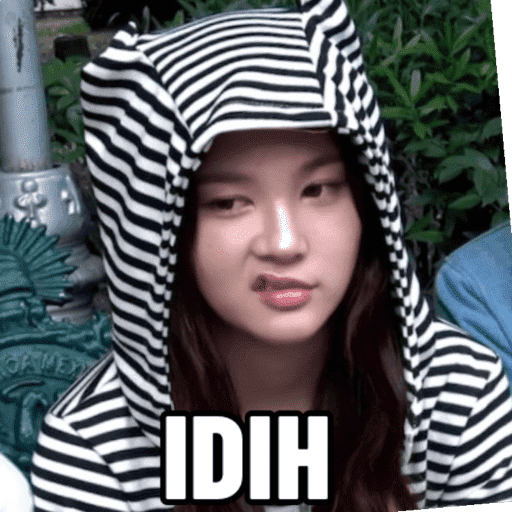
😒 Eww, Gross
Girl in a striped cat-ear hoodie smirks with disgust. React when something is cringe or you dislike it.
-

🙋 Excuse Me
She raises a hand and glances aside, ready to speak. When you want to jump in or politely interrupt.
-
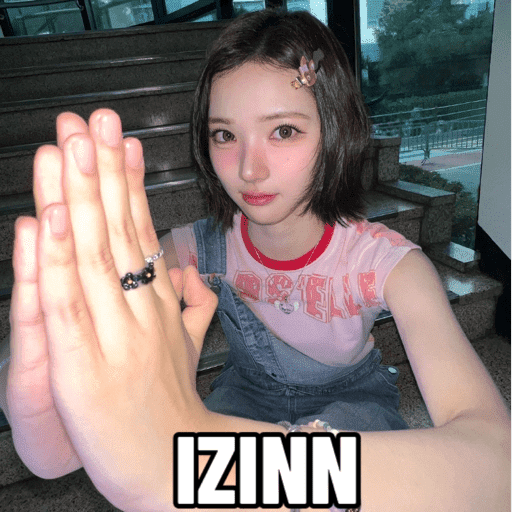
✋ Wait, Please
She holds both palms out, asking you to pause. Use when you need a second or to ask permission.
-

😮 Shocked
Pink-haired idol stares with her mouth open in surprise. When news drops and you cannot believe it.
-
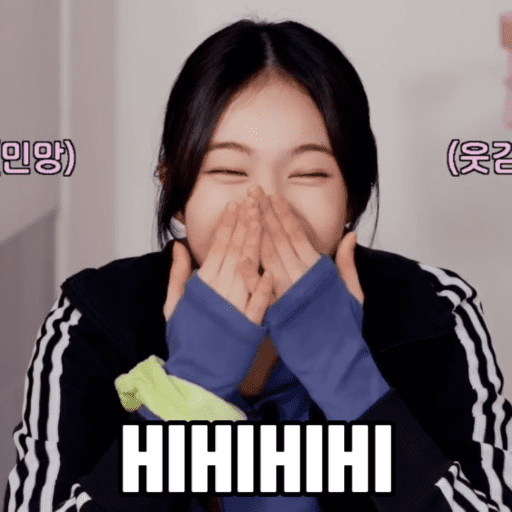
😆 Hihihihi
She covers her face, giggling hard with eyes shut. When you cannot stop laughing at a silly chat.
-

🤨 Side-Eye
Pigtails girl squints sideways, unimpressed and confused. When a message makes no sense or you doubt it.
-
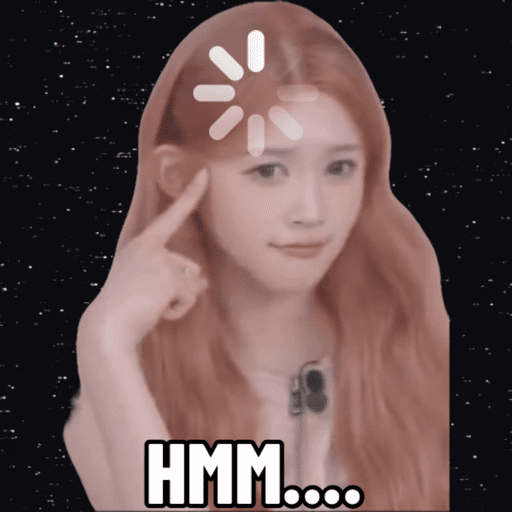
🤔 HMM...
She points to her head with a loading spinner thinking. When you need a moment to process the chat.
-

👋 Cute Wave
She waves with a shy smile, looking down sweetly. A cute hello or goodbye in the chat.
-
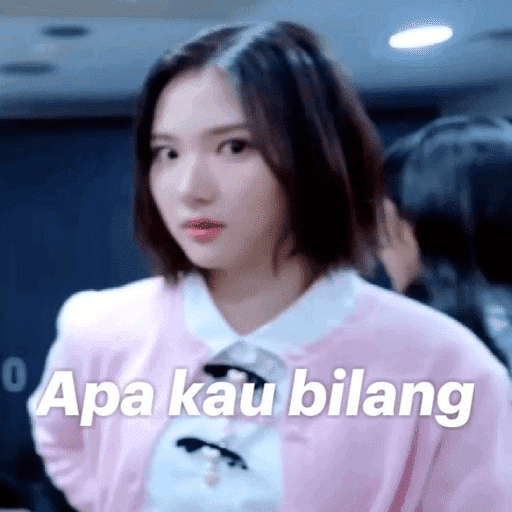
😐 What Did You Say
She stares blankly, asking what you just said. When you missed a message or cannot believe it.
-

😳 Wait, What
Wide-eyed, she gestures in disbelief and confusion. When a plot twist or wild statement hits the chat.
-

🧠 Use Your Brain
She taps her temple with a smug smile. Use your head. When someone missed the obvious in the chat.
-

📱 Phone Stare
She stares at her phone with a wide, intense gaze. When a chat message is shocking or suspicious.
-
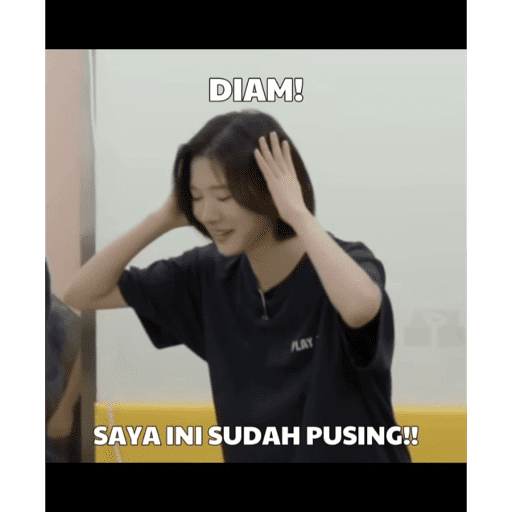
😵 Quiet, I'm Dizzy
She covers her ears, overwhelmed and dizzy from noise. When the group chat is too chaotic to handle.
-

🤭 Shy Giggle
She hides a laugh behind both hands, looking shy. When a compliment or joke makes you bashful.
-
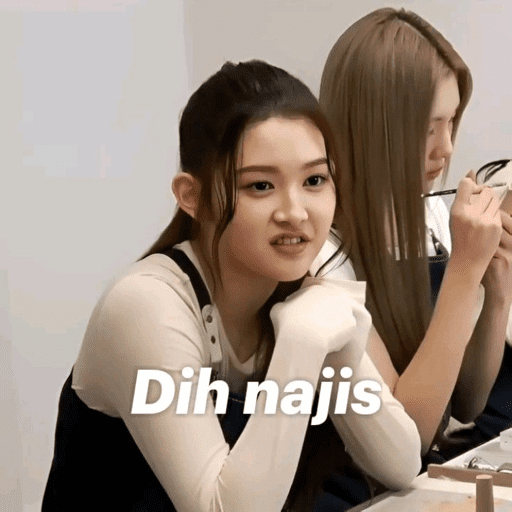
🤢 So Gross
She grimaces in disgust while someone sits behind her. When something is nasty, extra, or you hate it.
-

😘 Kissy Face
She puckers her lips and glances aside playfully. Send a flirty or cute kiss in the chat.
-

🙇 I Was Wrong
She kneels and bows to the floor, admitting she was wrong. When you mess up and need a dramatic apology.
-

😅 Awkward Smile
Eyes closed, she smiles awkwardly while being pointed at. When you get called out and try to play it cute.
-
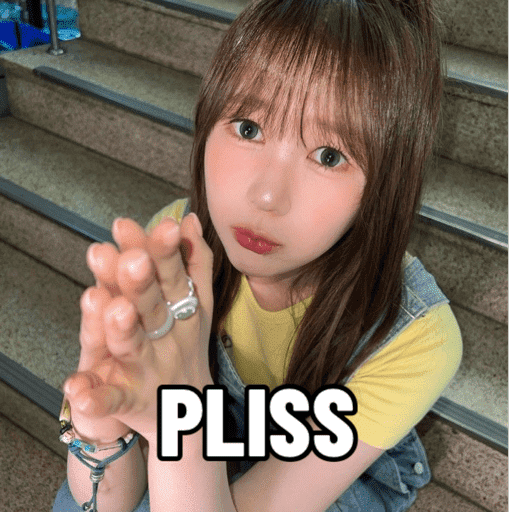
🥺 Pretty Please
She clasps her hands and begs with big puppy eyes. When you really want a yes, a favor, or mercy.
WhatsApp par download aur install karein
Is sticker pack ko apne WhatsApp par install karne ke liye Sticker Maker app zaroori hai. Agar aapke paas nahi hai, to yahan se download karein: Google Play Store aur App Store. Phone mein app aa jaane ke baad ye steps follow karein:
- Neeche di gayi sticker file download karein (iska extension .wastickers hai). Download hui file ko apne mobile mein dhoondhein aur us par tap karein. Aapka phone poochega ki ise kis app se kholna hai; Sticker Maker chunein. App is file ko automatically naye sticker pack ke roop mein pehchaan lega.
- Jab pack Sticker Maker mein dikh jaye, to "Meri library mein add karein" wala button dabayein, phir "WhatsApp mein add karein", bas ho gaya! Aapke naye stickers aapki saari WhatsApp chats mein use ke liye ready honge.
Sticker.ly se WhatsApp par install karein
Is pack ko add karne ka ek aasan tareeka hai Sticker.ly app. Agar aapke paas abhi tak nahi hai, to yahan se download karein: Google Play Store aur App Store. Phir in do aasan tareekon mein se ek chunein:
- Direct link se: Bas pack ke is link par tap karein: EGJ12E. Agar aapke paas Sticker.ly install hai, to stickers turant app mein dikh jayenge.
- Pack code se: Chahein to yahan tap karke "pack code" copy karein: aur use Sticker.ly app ke search bar mein paste kar dein.
Sticker.ly mein pahunchne ke baad "WhatsApp mein add karein" par tap karke confirm karein, aur stickers turant aapke WhatsApp app mein bhej diye jayenge.