I Don't Know
📦 A chaotic mix of cartoons, pets, and Brazilian internet humor for awkward, funny, or clueless moments. Use when you have no idea how to reply or just want a random, chaotic reaction in the chat. 'I Don't Know' pack mein 24 stickers hain share karne ke liye ready. WhatsApp par install karne ke liye free download. In stickers ke phrases Portuguese mein hain.
-

😅 Awkward SpongeBob
SpongeBob stands awkwardly with a forced smile and blushing cheeks. When you feel embarrassed and don't know what to do.
-
😏 I Want You
SpongeBob sits cutely with a flirty Portuguese caption. When you want to flirt in a playful, chaotic way.
-

😊 Shy Blush
SpongeBob blushes hard with both hands on his cheeks. When someone makes you shy or you feel bashful.
-
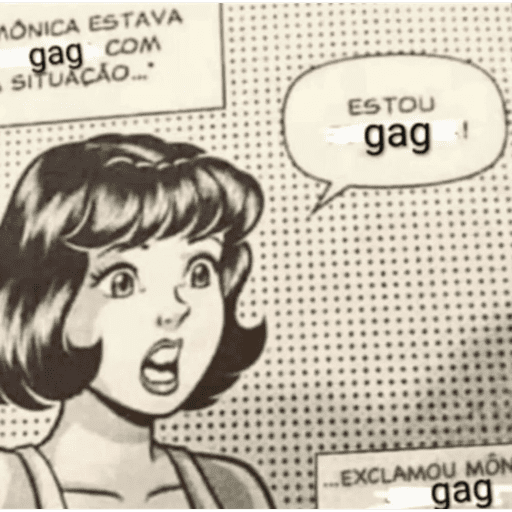
😲 Shocked Comic Girl
A vintage comic girl gasps while gag overlays cover the dialogue. When a situation leaves you speechless or in shock.
-

😒 Unimpressed Girl
Pink-haired girl rests her chin, looking bored and unimpressed. When you are done with the chat or totally unimpressed.
-
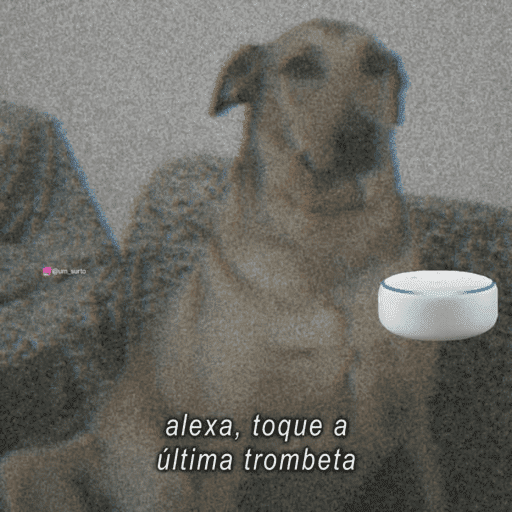
🐕 Last Trumpet
A dog stares as someone asks Alexa to play the last trumpet. When everything is falling apart and it feels like the end.
-

😏 Side Glance
A glamorous face with red lipstick glances calmly to the side. When you notice something shady or want to look unbothered.
-

🐶 Puppy and Teddy
A sleepy black puppy cuddles a small teddy bear. When you need something extra cute or comforting.
-

😩 Heads on the Table
Two people rest their heads on a table with frantic stares. When you are exhausted, overwhelmed, or losing it.
-

😰 Worried Fish Family
A fish family huddles together looking anxious and scared. When bad news hits and everyone looks worried.
-

😐 Silent Judgment
A woman sits with crossed arms and a nameplate reading BIXA MUDA. When you stay quiet but your face says everything.
-
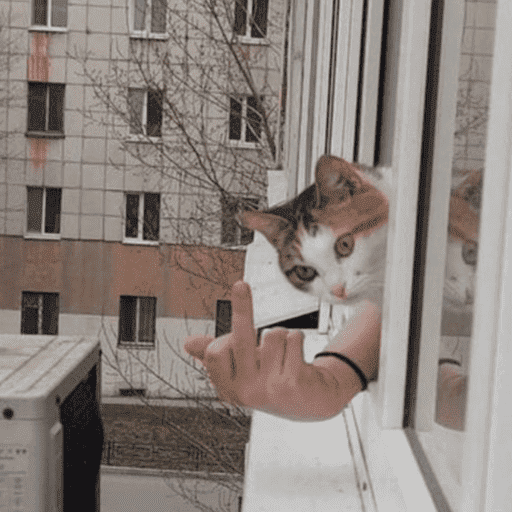
🖕 Cat Flip-Off
A cat leans from a window while a hand flips the middle finger. When you want to rudely dismiss someone.
-

😵 Blurry Shock
A heavily blurred face looking stunned or confused. When you cannot process what you just saw or heard.
-

🤨 Skeptical Look
A woman stares sideways with a skeptical, unimpressed look. When you don't buy what someone is saying.
-

🤘 Rock On Dog
A happy dog with tongue out and rock-on hand emojis. When the vibe is good and you are hyped.
-
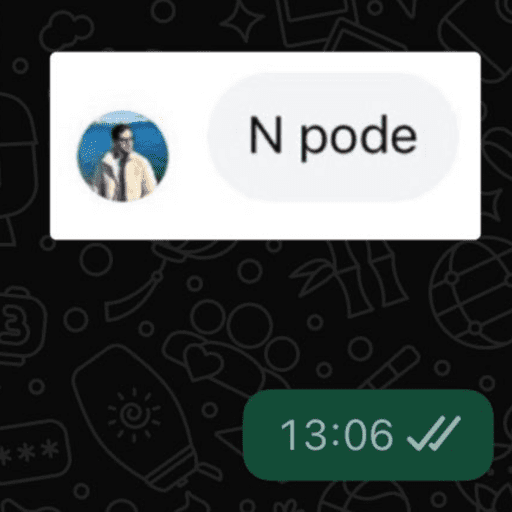
🚫 You Can't
A chat bubble that simply says N pode, meaning you can't. When something is not allowed or you refuse a request.
-

🦈 Seems Legit
A T-rex rides a shark with explosives, claiming it seems true. When a story is wildly unbelievable but you play along.
-

✅ 100% Legit Badge
A gold seal certifying a shark-riding dino as 100% true. When you sarcastically vouch that something is totally real.
-

🐶 Delete This
An adorable puppy with a caption telling you to delete this. When something is so cursed you need it gone immediately.
-

👻 Glitch Dog
A white dog with extra ghostly faces overlapping its body. When the situation feels off, glitchy, or cursed.
-

😠 Mad Woodpecker
Woody Woodpecker squints with an angry, suspicious look. When you are annoyed and side-eyeing someone.
-

😢 Holding Tears
A woman holds her face, looking like she might cry. When you are sad, disappointed, or emotionally drained.
-

🙏 Pretty Please
A young man smiles widely with hands clasped in a plea. When you are begging for a favor or saying pretty please.
-
WhatsApp par download aur install karein
Is sticker pack ko apne WhatsApp par install karne ke liye Sticker Maker app zaroori hai. Agar aapke paas nahi hai, to yahan se download karein: Google Play Store aur App Store. Phone mein app aa jaane ke baad ye steps follow karein:
- Neeche di gayi sticker file download karein (iska extension .wastickers hai). Download hui file ko apne mobile mein dhoondhein aur us par tap karein. Aapka phone poochega ki ise kis app se kholna hai; Sticker Maker chunein. App is file ko automatically naye sticker pack ke roop mein pehchaan lega.
- Jab pack Sticker Maker mein dikh jaye, to "Meri library mein add karein" wala button dabayein, phir "WhatsApp mein add karein", bas ho gaya! Aapke naye stickers aapki saari WhatsApp chats mein use ke liye ready honge.
Sticker.ly se WhatsApp par install karein
Is pack ko add karne ka ek aasan tareeka hai Sticker.ly app. Agar aapke paas abhi tak nahi hai, to yahan se download karein: Google Play Store aur App Store. Phir in do aasan tareekon mein se ek chunein:
- Direct link se: Bas pack ke is link par tap karein: M4LWCF. Agar aapke paas Sticker.ly install hai, to stickers turant app mein dikh jayenge.
- Pack code se: Chahein to yahan tap karke "pack code" copy karein: aur use Sticker.ly app ke search bar mein paste kar dein.
Sticker.ly mein pahunchne ke baad "WhatsApp mein add karein" par tap karke confirm karein, aur stickers turant aapke WhatsApp app mein bhej diye jayenge.