

Llamadas
📦 The 'Llamadas' pack includes 27 stickers easy to install. Free download to install on WhatsApp. These stickers contain phrases in Spanish.
-
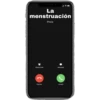
La menstruación iPhone Remind Me Message Decline Accept
-

Las ganas de darte unos besos Remind Me Message Decline Accept
-
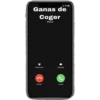
Ganas de Coger iPhone Remind Me Message Decline Accept
-
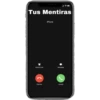
Tus Mentiras iPhone Remind Me Message Decline Accept
-
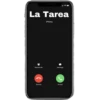
La Tarea iPhone Remind Me Message Decline Ассерt
-
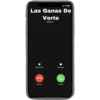
Las Ganas De Verte iPhone Remind Me Message Decline Accept
-
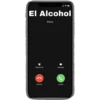
El Alcohol iPhone Remind Me Message Decline Accept
-
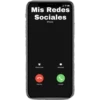
Mis Redes Sociales iPhone Remind Me Message Decline Accept
-
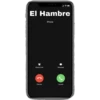
El Hambre iPhone Remind Me Message Decline Accept
-

Netflix iPhone Remind Me Message Decline Accept
-
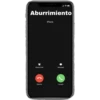
Aburrimiento iPhone Remind Me Message Decline Accept
-
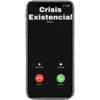
Crisis Existencial iPhone Remind Me Message Decline Accept
-
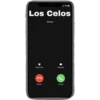
Los Celos iPhone Remind Me Message Decline Аcсеpt
-
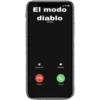
El modo diablo iPhone Remind Me Message Decline Accept
-
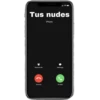
Tus nudes iPhone Remind Me Message Decline Ассерt
-
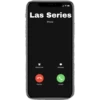
Las Series iPhone Remind Me Message Decline Accept
-
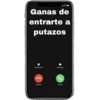
Ganas de entrarte a putazos Remind Me Message Decline Ассерt
-
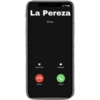
La Pereza iPhone Remind Me Message Decline Accept
-
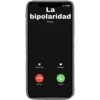
La bipolaridad iPhone Remind Me Message Decline Accept
-
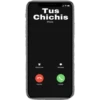
Tus Chichis iPhone Remind Me Message Decline Accept
-
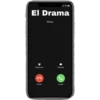
El Drama iPhone Remind Me Message Decline Accept
-
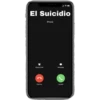
El Suicidio iPhone Remind Me Message Decline Accept
-
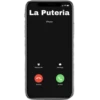
La Puteria iPhone Remind Me Message Decline Accept
-
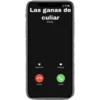
Las ganas de culiar iPhone Remind Me Message Decline Accept
-
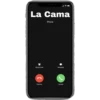
La Cama iPhone Remind Me Message Decline Accept
-
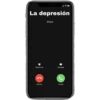
La depresión iPhone Remind Me Message Decline Accept
-
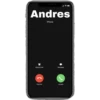
Andres iPhone Remind Me Message Decline Accept
Download and Install on WhatsApp
The Sticker Maker app is necessary to install this sticker pack on your WhatsApp. If you don't have it, download it from: Google Play Store and App Store. Once you have it on your phone, follow these instructions:
- Download the sticker file we provide below (it has the .wastickers extension). Locate the downloaded file on your mobile and tap it. Your device will ask you which application you want to open it with; select Sticker Maker. The app will automatically recognize the file as a new sticker pack.
- Once you see the pack inside Sticker Maker, just press the button that says "Add to My Library", then "Add to WhatsApp" and that's it! Your new stickers will be available for use in all your WhatsApp conversations.























