

Cute Shin-chan Memes
📦 Adorable and funny Shin-chan faces for every mood: love, sulks, kisses, shock, and classic chaos. Use when you want to react with cuteness, drama, or playful mischief just like Shin-chan. The 'Cute Shin-chan Memes' pack includes 30 stickers high quality. Free download to install on WhatsApp and Telegram.
-

😆 Classic Butt Pose
Shin-chan cheers with pants down in his trademark gag. For silly teasing or trademark Shin-chan chaos.
-
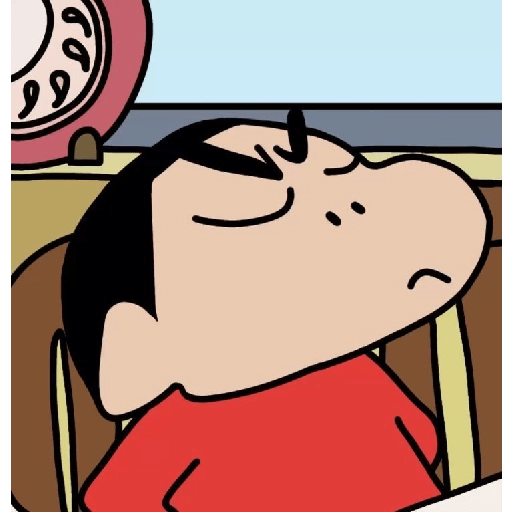
😴 Peaceful Nap
Shin-chan dozes off with a calm, sleepy face. When you are tired, zoning out, or taking a nap.
-

❤️ Heart Hands
Blushing Shin-chan makes a sweet heart with both hands. To send love, thanks, or a cute affectionate reply.
-

😌 Proud Stance
Shin-chan stands smug with eyes closed and hands clasped. When you feel proud, smug, or quietly satisfied.
-
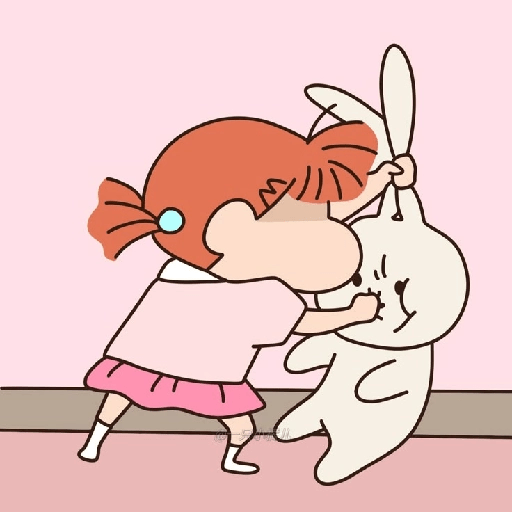
🐰 Bunny Battle
A little girl grapples with a white rabbit in a tussle. For chaotic play, wrestling, or a silly fight.
-

😎 Super Cool
Shin-chan poses cool with a blush and hand behind his head. When you feel confident, flirty, or just showing off.
-
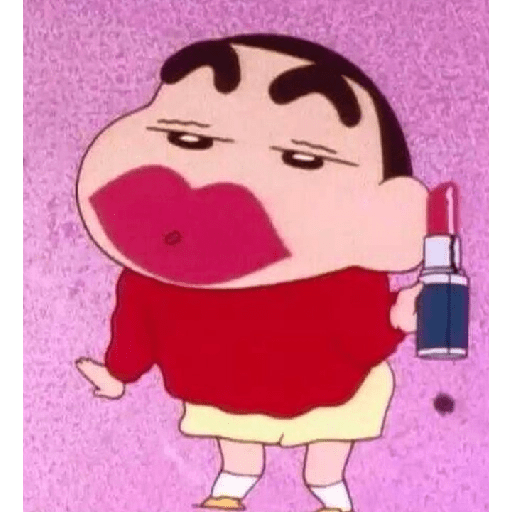
💄 Lipstick Disaster
Shin-chan smeared lipstick all over his mouth. For makeup fails, messy looks, or a glamorous joke.
-

😭 Floor Meltdown
Shin-chan lies face-down on the floor with a tear. When you give up, crash, or feel dramatically drained.
-

😝 Stretchy Face
Shin-chan pulls his cheeks wide with his tongue out. For goofy faces, teasing, or being extra silly.
-

😘 Flying Kiss
Shin-chan blows a kiss with a cute mua sound. To blow a kiss, say goodnight, or show affection.
-

🫡 Proud Salute
Shin-chan salutes with eyes closed and a proud blush. To say yes sir, report in, or look honorably done.
-

🫡 Alert Salute
Wide-eyed Shin-chan salutes with a serious, alert look. When you snap to attention or look slightly confused.
-

😍 Winky Heart
Shin-chan winks and makes a heart while posing cute. To flirt, charm, or send extra-cute love.
-

💛 Heart-Shaped Bow
Bent over, Shin-chan's shorts form a yellow heart. A playful bow, silly love, or a cheeky goodbye.
-

🥺 Puppy Eyes
Shin-chan stares up with big, pleading sparkly eyes. To beg, look innocent, or ask for a favor.
-

😒 Unimpressed
Shin-chan stands with hands on hips, looking unimpressed. When something is meh, disappointing, or you judge it.
-

👍 Thumbs Up
Shin-chan gives a big thumbs-up with a surprised face. To approve, say okay, or cheer someone on.
-
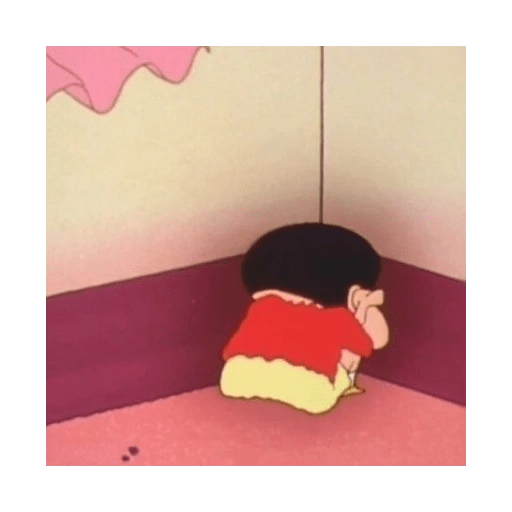
😔 Corner Time
Shin-chan sits in the corner facing the wall, sulking. When you are in trouble, sulking, or want to be alone.
-

😏 Cheeky Smile
Sinchan with a sly, cheeky smile. Use when feeling cheeky or playful.
-
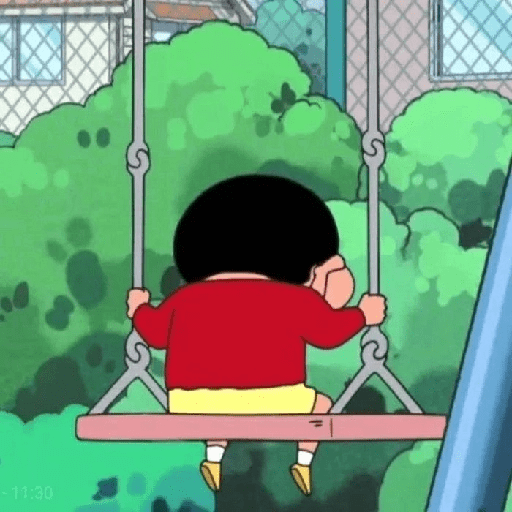
🥺 Pensive Swing
Sinchan sitting pensively on a swing. For moments of reflection or solitude.
-

😡 Angry Glare
Sinchan with an angry, intense glare. Express anger or irritation strongly.
-

😲 Shocked Expression
Sinchan's eyes widen in shock. Use when something unexpected happens.
-
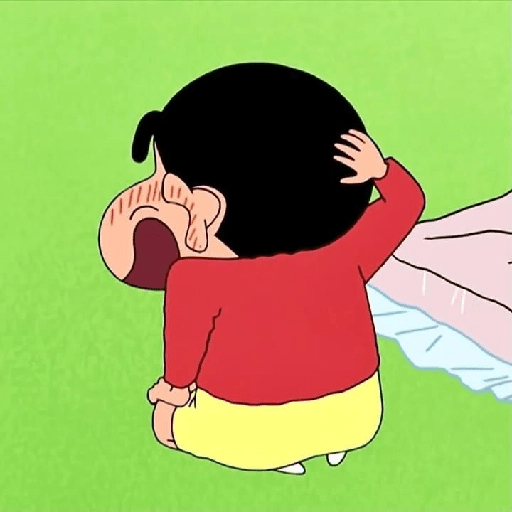
😅 Torn Pants
Sinchan with a torn pants moment. For humorous mishaps or accidents.
-

🍓 Berry Surprise
Sinchan with a bunch of strawberries. Share joyful gifts or surprises.
-

😂 Funny Stare
Sinchan with a funny, bulging cheek expression. Use for silly or humorous moments.
-

🧐 Suspicious Pout
Sinchan with a suspicious, pouting face. Express suspicion or distrust.
-

🤏 Pinch Gesture
Sinchan pinching cheek with an expression. Use for teasing or playful interaction.
-
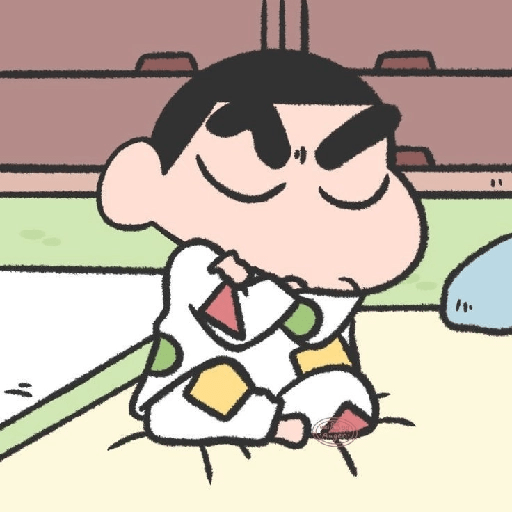
😡 Crossed Arms
Sinchan sitting with crossed arms, expressing stubbornness. Express obstinacy or defiance.
-

😴 Bedtime Mood
Sinchan in bed with an annoyed face. Use when tired yet unable to sleep.
-

😩 Morning Grump
Sinchan with a grumpy morning expression at breakfast. Use when feeling grumpy or irritated in the morning.
Download and Install on WhatsApp
The Sticker Maker app is necessary to install this sticker pack on your WhatsApp. If you don't have it, download it from: Google Play Store and App Store. Once you have it on your phone, follow these instructions:
- Download the sticker file we provide below (it has the .wastickers extension). Locate the downloaded file on your mobile and tap it. Your device will ask you which application you want to open it with; select Sticker Maker. The app will automatically recognize the file as a new sticker pack.
- Once you see the pack inside Sticker Maker, just press the button that says "Add to My Library", then "Add to WhatsApp" and that's it! Your new stickers will be available for use in all your WhatsApp conversations.
Installation on WhatsApp with Sticker.ly
An easy way to add this pack is through the Sticker.ly app. If you don't have it yet, download it from: Google Play Store and App Store. Then choose one of these two simple methods:
- With Direct Link: Simply tap this link to the pack 3CI0KA. If you have Sticker.ly installed, you will immediately see the stickers in the app.
- Using the Pack Code: If you prefer, you can copy the "pack code" by tapping here: and paste it into the search bar inside the Sticker.ly app.
Once inside Sticker.ly, confirm the action by tapping "Add to WhatsApp" and the stickers will be instantly sent to your WhatsApp app.
Use on Telegram
For Telegram users, installing a sticker pack is a native and extremely simple process. Just follow this link that will take you to Telegram: stickerly_3CI0KA_by_stickerly_official_bot. When the app opens, you will instantly see the pack and can add it to your library, without the need for third-party apps.























