

Kata kata
📦 The 'Kata kata' pack includes 29 stickers for daily chats. Free download to install on WhatsApp. These stickers contain phrases in Indonesian.
-
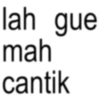
lah gue mah cantik
-
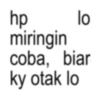
hp lo miringin coba, biar ky otak lo
-
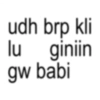
lu udh brp kli giniin gw babi
-
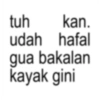
tuh kan. udah hafal gua bakalan kayak gini
-
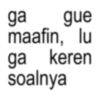
ga gue maafin, lu ga keren soalnya
-
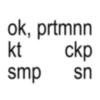
ok, prtmnn ckp kt smp 용ㅎ sn
-
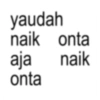
yaudah naik onta aja naik onta
-
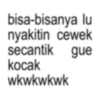
bisa-bisanya lu nyakitin cewek secantik gue kocak wkwkwkwk
-
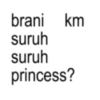
brani km suruh suruh princess?
-
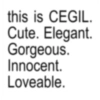
this is CEGIL. Cute. Elegant. Gorgeous. Innocent. Loveable.
-
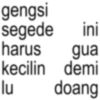
gengsi segede ini harus gua lu kecilin demi doang
-
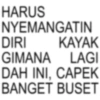
HARUS NYEMANGATIN DIRI KAYAK GIMANA LAGI DAH INI, CAPEK BANGET BUSET
-
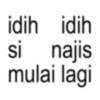
si idih idih najis mulai lagi
-

jorok najis
-

lenyap lu dari bumi bangsat
-
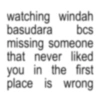
watching windah basudara bcs missing someone that never liked you in the first place is wrong
-
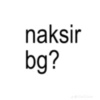
naksir bg? J@khallizzzz
-
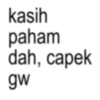
kasih paham dah, capek gw
-
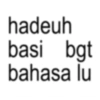
hadeuh basi bgt bahasa lu
-
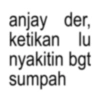
anjay der, ketikan lu nyakitin bgt sumpah
-

bercanda elah, serius amat idup lu heran guah
-
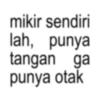
mikir sendiri lah, punya tangan ga punya otak
-
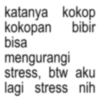
katanya kokop kokopan bibir bisa mengurangi stress, btw aku lagi stress nih
-
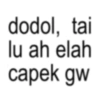
dodol, tai lu ah elah capek gw
-
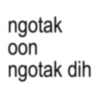
ngotak oon ngotak dih
-
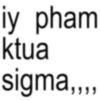
iy pham ktua sigma,,,,
-
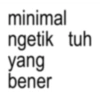
minimal ngetik tuh yang bener
-
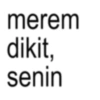
merem dikit, senin
-
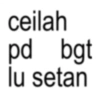
ceilah pd bgt ¡u setan
Download and Install on WhatsApp
The Sticker Maker app is necessary to install this sticker pack on your WhatsApp. If you don't have it, download it from: Google Play Store and App Store. Once you have it on your phone, follow these instructions:
- Download the sticker file we provide below (it has the .wastickers extension). Locate the downloaded file on your mobile and tap it. Your device will ask you which application you want to open it with; select Sticker Maker. The app will automatically recognize the file as a new sticker pack.
- Once you see the pack inside Sticker Maker, just press the button that says "Add to My Library", then "Add to WhatsApp" and that's it! Your new stickers will be available for use in all your WhatsApp conversations.
Installation on WhatsApp with Sticker.ly
An easy way to add this pack is through the Sticker.ly app. If you don't have it yet, download it from: Google Play Store and App Store. Then choose one of these two simple methods:
- With Direct Link: Simply tap this link to the pack COIQWF. If you have Sticker.ly installed, you will immediately see the stickers in the app.
- Using the Pack Code: If you prefer, you can copy the "pack code" by tapping here: and paste it into the search bar inside the Sticker.ly app.
Once inside Sticker.ly, confirm the action by tapping "Add to WhatsApp" and the stickers will be instantly sent to your WhatsApp app.
Use on Telegram
For Telegram users, installing a sticker pack is a native and extremely simple process. Just follow this link that will take you to Telegram: stickerly_COIQWF_by_stickerly_official_bot. When the app opens, you will instantly see the pack and can add it to your library, without the need for third-party apps.























