

Stray Kids Memes
📦 Hilarious Stray Kids reaction memes full of screams, drama, hearts and chaos. Perfect for STAYs to express every feeling in chat. Use in fan chats, replies or group convos to react like the members with iconic SKZ energy. The 'Stray Kids Memes' pack includes 30 stickers you'll love. Free download to install on WhatsApp. These stickers contain phrases in Spanish.
-

😱 Loud Scream
Hyunjin screaming wildly with arms out in a red studio. When you need to yell in excitement or shock.
-

😩 Send Help
Lee Know looking worried and pleading for help. When a situation is too much to handle.
-

😐 Me and You
One member serious as me, the other laughing as you. To compare your mood vs a friend's.
-

😶 No Words
Bang Chan in white shirt staring with no comment. When something leaves you speechless.
-

😟 Hoodie Pout
Hyunjin in a blue hoodie looking cute and slightly sad. Feeling a bit down or wanting comfort.
-

😟 Tantrum Time
Hyunjin in a beanie making a sulky face. When you're playfully throwing a fit.
-
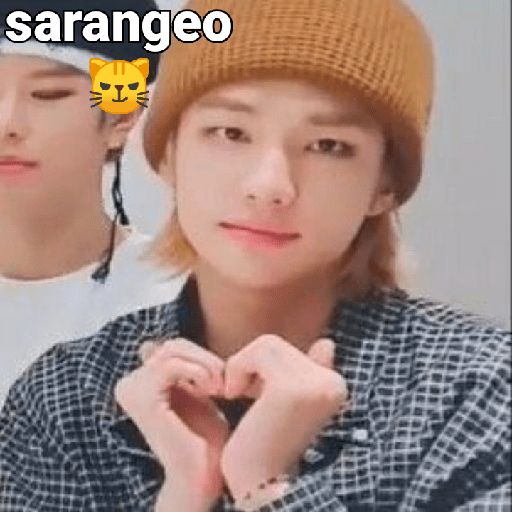
❤️ Heart Hands Love
Hyunjin making a heart with his hands, saying I love you. To send love to someone special.
-
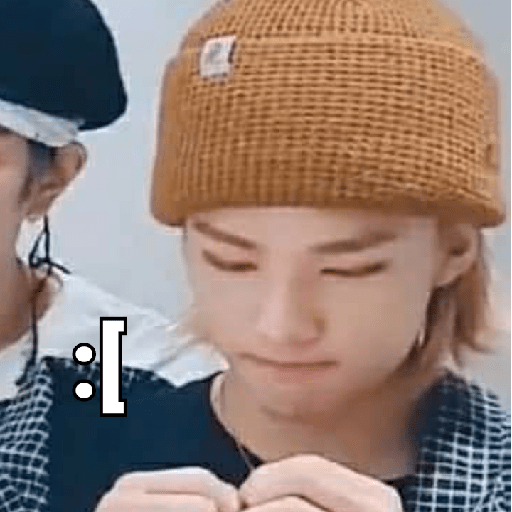
😞 Sad Face
Hyunjin looking down with a disappointed expression. When you're feeling a little sad.
-

😢 Facepalm Cry
Member covering his face in a beret, labeled cry. When you're embarrassed or holding back tears.
-

😮 Mind Blown
Hyunjin with a shocked open-mouth expression. When news or a message really surprises you.
-

🍖 Family Feast
Han shouting excitedly that the family eats today. Announcing a meal or something delicious coming.
-

❓ Wait What
Blue-haired Hyunjin looking confused at the camera. When you don't understand what just happened.
-
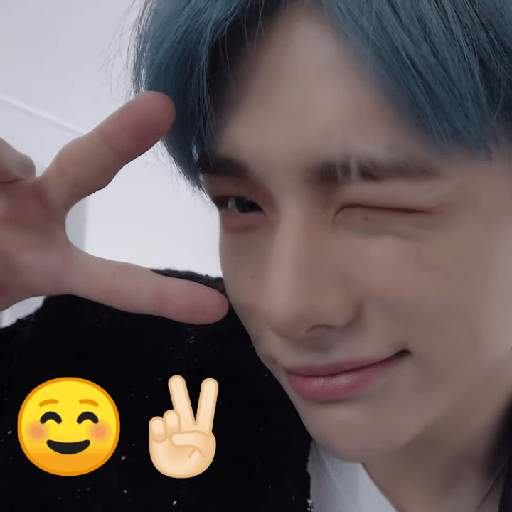
😉 Cute Wink
Hyunjin winking and making a peace sign with blue hair. Sending a cute or playful greeting.
-

👶 Tiny Hyunjin
Edited baby version of Hyunjin walking with a backpack. When something is adorably small or cute.
-
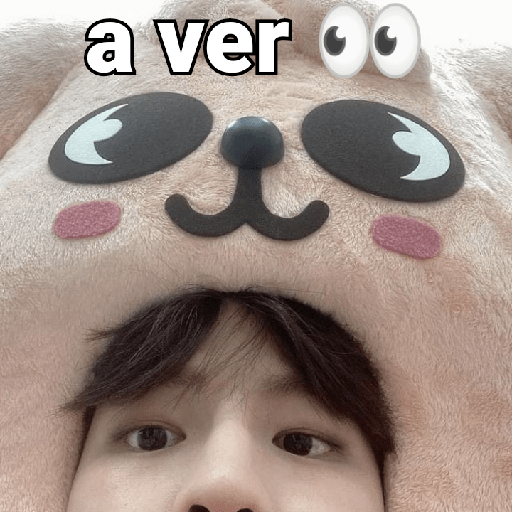
👀 Let Me See
Member in a cute puppy hat looking curious. When you want to take a look at something.
-

💔 Drama King
Bang Chan clutching his chest in over-the-top pain. Reacting to bad news with extra drama.
-

😭 Phone Tears
Member crying while looking at his phone. When a message or post makes you emotional.
-
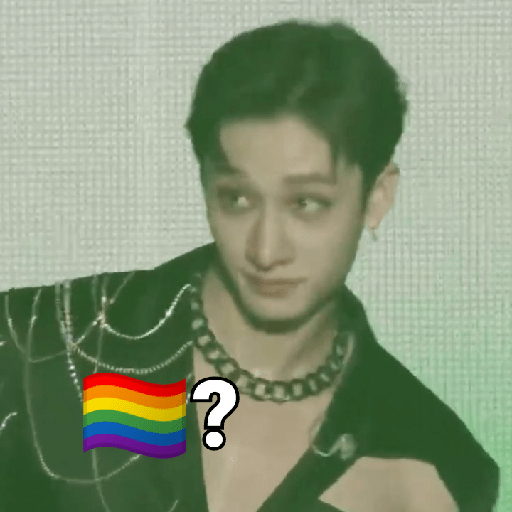
🏳️🌈 Rainbow Glance
Bang Chan looking aside with a pride flag question. For playful questioning or pride moments.
-

😱 Full Panic
Felix looking frozen in panic on stage. When everything is going wrong.
-
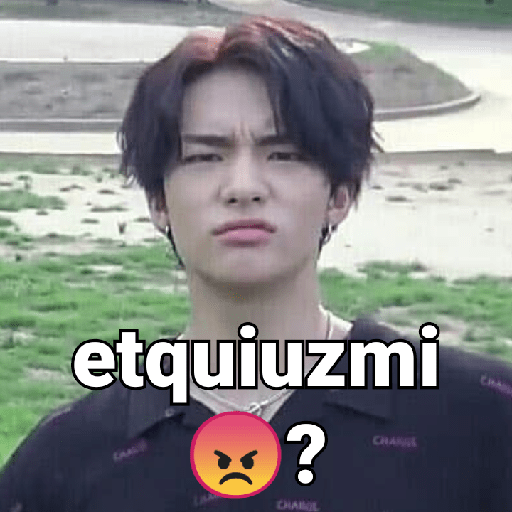
😠 Excuse Me
Hyunjin frowning in confusion or annoyance. When you need someone to repeat or explain.
-

😏 How You Know
Bang Chan in a pink headband smiling slyly. When someone knows too much about you.
-

😅 Awkward Xd
Hyunjin giving a nervous or awkward smile. When something is awkwardly funny.
-

🤓 I See
I.N pushing up his glasses in understanding. When you finally get the point.
-

😭 Overwhelmed
Han covering his ears and screaming from emotion. When feelings are too intense to handle.
-

✌️ This Is Fine
I.N posing with a peace sign while a house burns behind. When everything is chaos but you stay chill.
-
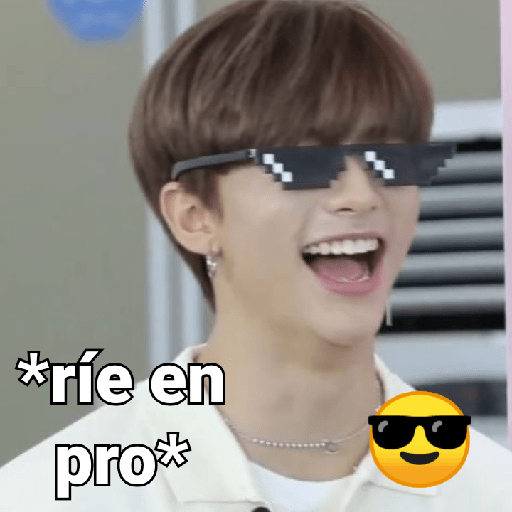
😎 Pro Gamer Laugh
Hyunjin laughing with pixelated sunglasses on. When you win or roast someone perfectly.
-
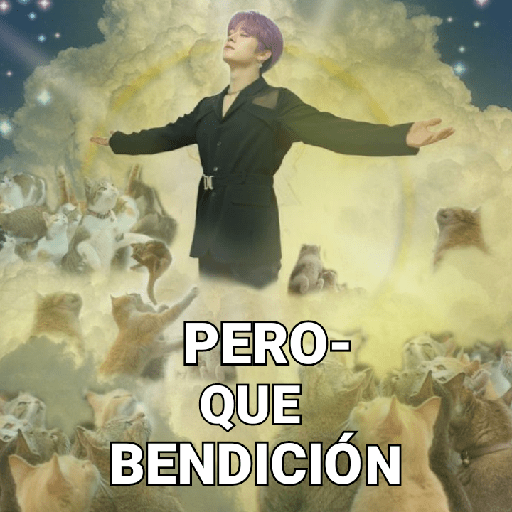
🐱 Cat Blessing
Lee Know ascending among cats in a heavenly scene. When something is an absolute blessing.
-

😨 Save Me Lee Know
Han panicking and calling for Lee Know the cat king. When you need your favorite member to save you.
-

😣 Pain Scream
Member squeezing his eyes shut and screaming. When something is painfully embarrassing or funny.
-

😂 Laugh to Not Cry
Han laughing overlayed with a sad expression. When you have to laugh so you don't cry.
Download and Install on WhatsApp
The Sticker Maker app is necessary to install this sticker pack on your WhatsApp. If you don't have it, download it from: Google Play Store and App Store. Once you have it on your phone, follow these instructions:
- Download the sticker file we provide below (it has the .wastickers extension). Locate the downloaded file on your mobile and tap it. Your device will ask you which application you want to open it with; select Sticker Maker. The app will automatically recognize the file as a new sticker pack.
- Once you see the pack inside Sticker Maker, just press the button that says "Add to My Library", then "Add to WhatsApp" and that's it! Your new stickers will be available for use in all your WhatsApp conversations.
Installation on WhatsApp with Sticker.ly
An easy way to add this pack is through the Sticker.ly app. If you don't have it yet, download it from: Google Play Store and App Store. Then choose one of these two simple methods:
- With Direct Link: Simply tap this link to the pack CTYXS6. If you have Sticker.ly installed, you will immediately see the stickers in the app.
- Using the Pack Code: If you prefer, you can copy the "pack code" by tapping here: and paste it into the search bar inside the Sticker.ly app.
Once inside Sticker.ly, confirm the action by tapping "Add to WhatsApp" and the stickers will be instantly sent to your WhatsApp app.























