Memes 2.0
📦 Chaotic Mexican memes with slang, Doge, cartoons and viral faces for roasting, reacting and everyday chats. Use with friends who get Mexican slang, roasting, or chaotic meme energy in chats. The 'Memes 2.0' pack includes 30 stickers high quality. Free download to install on WhatsApp. These stickers contain phrases in Spanish.
-
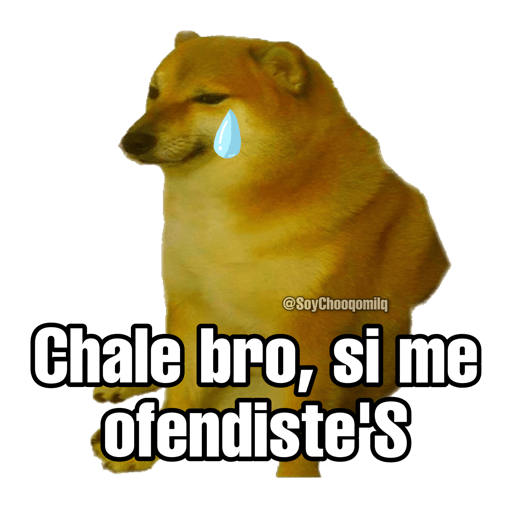
😢 You offended me
Crying Cheems admits the roast actually landed. When a joke hits a little too hard.
-

😒 Be grateful I'm nice
A woman says you should thank her for holding back. When you roast someone but stay polite-ish.
-

😠 I'm talking to you
An older woman snaps because you are not listening. When someone ignores you mid-rant.
-

🌶️ Leaving you the chile
A dry chile packet as a spicy way to leave you hanging. When you bounce and leave someone with nothing.
-

🚿 Wait, gonna shower
Doge in a shower cap needs a quick pause. When you step away to take a shower.
-

🍳 You're missing eggs
Two fried eggs hint that you lack guts. When someone chickens out.
-

😰 Nervous to play
Rex hopes Buzz will actually play with him. When you're shy about joining the group.
-

⚡ High five
Happy Pikachu offers a cheerful high five. To celebrate, greet, or agree with a friend.
-

🤷 System is down
An OXXO clerk shrugs: the register is dead. When a tool, app, or plan just fails.
-
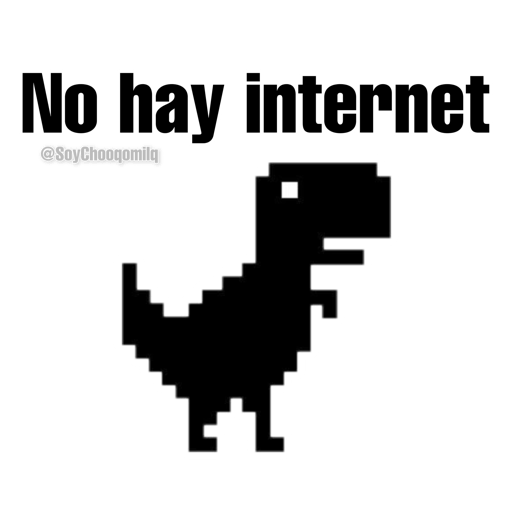
🦕 No internet
The Chrome dinosaur appears because you are offline. When the wifi dies mid-chat.
-

🤷 Who even knows
An old man shrugs: he has absolutely no idea. When you truly do not know the answer.
-

😎 Looks awesome
Peeking over glasses to say that looks fire. When something looks really cool.
-

🤦 Totally clueless
A guy calls someone a complete dummy. When a friend does something very dumb.
-
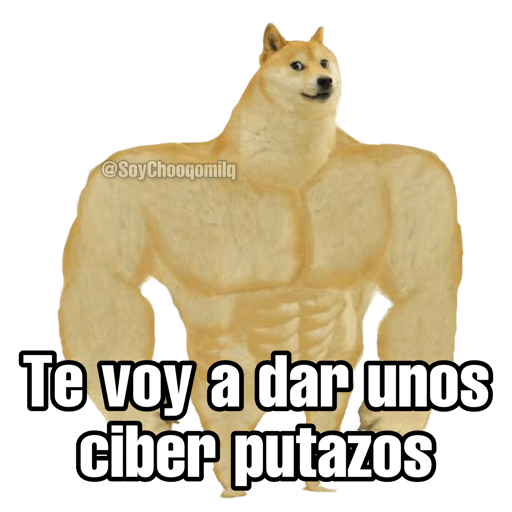
💪 Cyber beatdown
Swole Doge threatens a round of online punches. Playful threat during an online argument.
-

👀 Reply already?
Doge peeks in asking how long the reply will take. When someone leaves you on read.
-
😋 Yum
Doge licks its lips because that looks tasty. When food or news looks delicious.
-

😎 Roasting is my passion
Chill SpongeBob says throwing shade is his hobby. When you live to throw shade.
-

🤔 What are you saying?
Ugandan Knuckles has no clue what you mean. When someone is talking total nonsense.
-
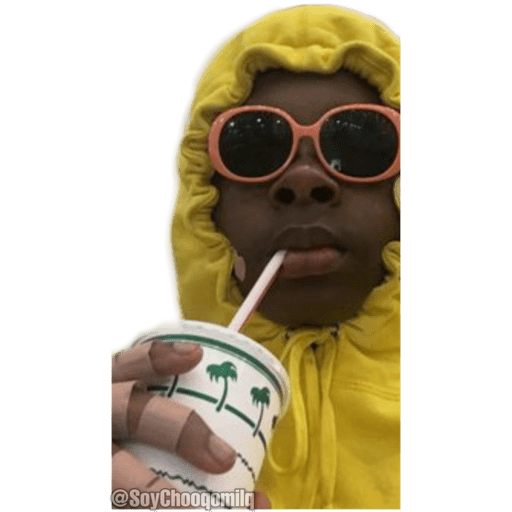
😎 Sipping in style
A kid in a yellow hoodie sips without a word. When you stay unfazed and look unbothered.
-
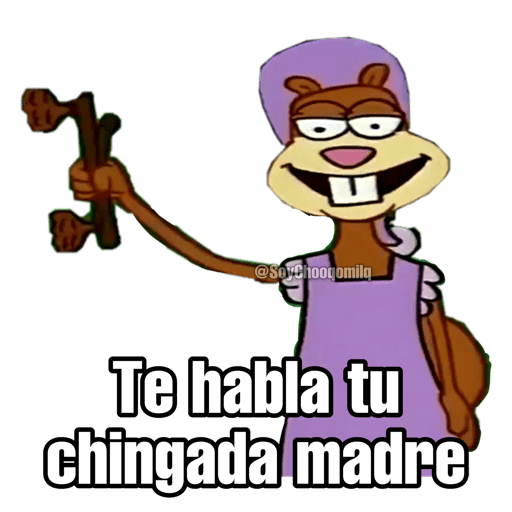
🐿️ Your mom speaking
Sandy grins while delivering a mom-level scolding. When you scold someone like family.
-

😤 Too early for this
A hoodie dog asks what you want this early. For unwanted morning messages.
-

👴 Too old for this
An old man with a walker is done with the drama. When the chaos is beneath you now.
-
😷 Allergic to fools
A dog in a gas mask wants idiots to stay back. To tell someone to keep their distance.
-

💜 What happened?
Barney asks what happened, with fake concern. When a friend looks extra upset.
-

📖 Learn to read
A guy yells while waving a book at you. When someone missed the obvious message.
-
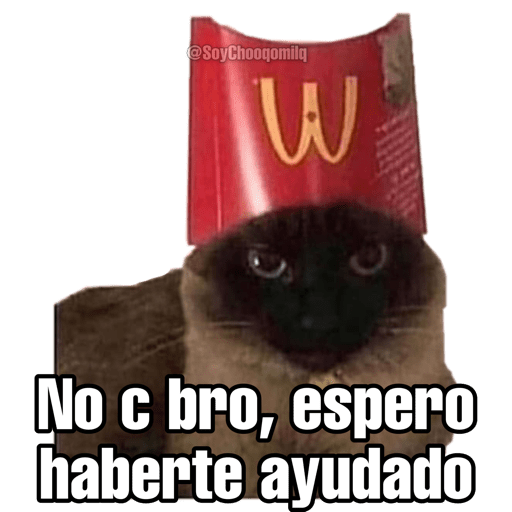
🐱 Hope I helped
A cat in a fries box offers dubious help. After giving messy or unsure advice.
-

💖 Throwing hearts
Salt Bae sprinkles hearts instead of salt. To send extra affection or love.
-

🧸 You're lying
A teddy bear's book proves you are lying. When you catch someone in a lie.
-

😅 I'm out of here
Sweaty SpongeBob decides this chat is too much. When a conversation gets too awkward.
-

🛡️ All day long
Captain America would happily do this all day. When you are happy to keep going.
Download and Install on WhatsApp
The Sticker Maker app is necessary to install this sticker pack on your WhatsApp. If you don't have it, download it from: Google Play Store and App Store. Once you have it on your phone, follow these instructions:
- Download the sticker file we provide below (it has the .wastickers extension). Locate the downloaded file on your mobile and tap it. Your device will ask you which application you want to open it with; select Sticker Maker. The app will automatically recognize the file as a new sticker pack.
- Once you see the pack inside Sticker Maker, just press the button that says "Add to My Library", then "Add to WhatsApp" and that's it! Your new stickers will be available for use in all your WhatsApp conversations.
Installation on WhatsApp with Sticker.ly
An easy way to add this pack is through the Sticker.ly app. If you don't have it yet, download it from: Google Play Store and App Store. Then choose one of these two simple methods:
- With Direct Link: Simply tap this link to the pack RHAV1G. If you have Sticker.ly installed, you will immediately see the stickers in the app.
- Using the Pack Code: If you prefer, you can copy the "pack code" by tapping here: and paste it into the search bar inside the Sticker.ly app.
Once inside Sticker.ly, confirm the action by tapping "Add to WhatsApp" and the stickers will be instantly sent to your WhatsApp app.