My Random Chaos
📦 A wild mix of cool cats, Spanish slang, and chaotic humor. Perfect reactions for gossip, shade, love, and everyday nonsense. Use these when you need a reaction with friends: cool poses, gossip, sarcasm, love, and pure chaos. The 'My Random Chaos' pack includes 22 stickers freshly updated. Free download to install on WhatsApp. These stickers contain phrases in Spanish.
-
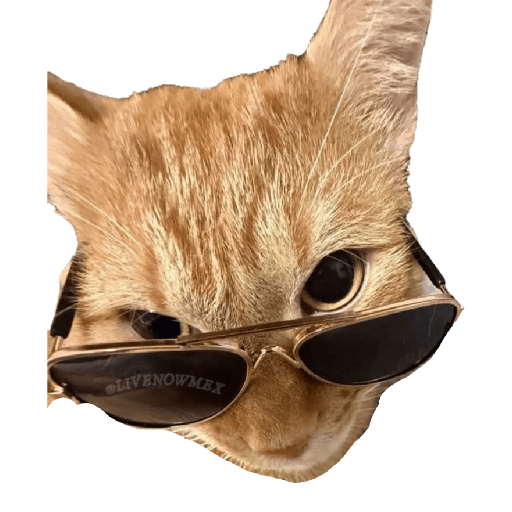
😎 Cool Cat
An orange cat in sunglasses looking unbothered and stylish. When you feel cool, unbothered, or too stylish for the chat.
-

😈 Naughty Blue
A smiling blue inflatable pal striking a cheeky pose. For naughty jokes, chaos, or a shameless vibe in the chat.
-

🐹 Hamster Duo
Two hamsters stacked, one giving a tiny thumbs-up from a chair. When you approve, multitask, or send a cute thumbs-up.
-

🏃 Mom Is Calling
Barney tells a kid to run because mom is calling. When someone should leave now or got caught in trouble.
-

😜 Playful Selfie
A redhead sticks her tongue out in a playful selfie. Flirty, silly, or playful mood in the conversation.
-

😈 Devil Whisper
A cute little devil whispers temptation into someone's ear. Bad advice, gossip, or tempting a friend to misbehave.
-

👶 Sly Baby
A baby smirks while a finger points at his ear. When you overheard something or play dumb on purpose.
-

😎 Power Walk
A man in a dark coat and shades walks with total confidence. Leaving in style, feeling powerful, or ending the chat.
-

😳 Hide My Face
Someone hides behind a broom, too embarrassed to show up. Embarrassment, cringe, or not wanting to be seen.
-

💻 System Crash
A guy checks his phone over a classic Windows crash screen. When everything fails, the PC dies, or chaos is loading.
-

😿 Sad Cat
A white cat looks heartbroken while clutching a cloth. Feeling sad, needing comfort, or being dramatic.
-

😍 Smitten
An older man smiles softly, totally in love. Crushing hard, teasing someone in love, or feeling sweet.
-

😼 Scheming Cat
An orange cat smirks with paws together like it has a plan. When you have a plan, look guilty, or feel suspiciously pleased.
-

📱 Let Me Check
A guy on his phone says wait, let him check first. When you need a second to verify before answering.
-

👏 Cheers Couple
A man claps and cheers for the happy couple. Celebrating a couple, a ship, or relationship news.
-

🪦 Grave Disrespect
A tiny dog pees on a gravestone with a man's photo. When you're done with someone or dropping a savage roast.
-

😶 Pretending
A man sits calmly pretending he has no idea who that is. Denying involvement or pretending not to know someone.
-
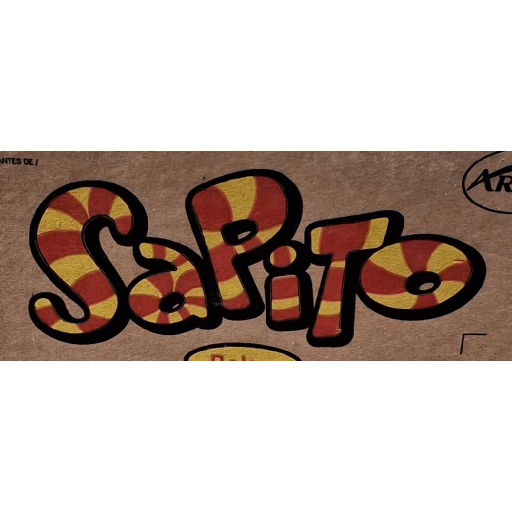
🍬 Sapito Candy
The classic swirly red-and-yellow Sapito candy logo. Nostalgia, a sweet nickname, or random Mexican candy vibes.
-
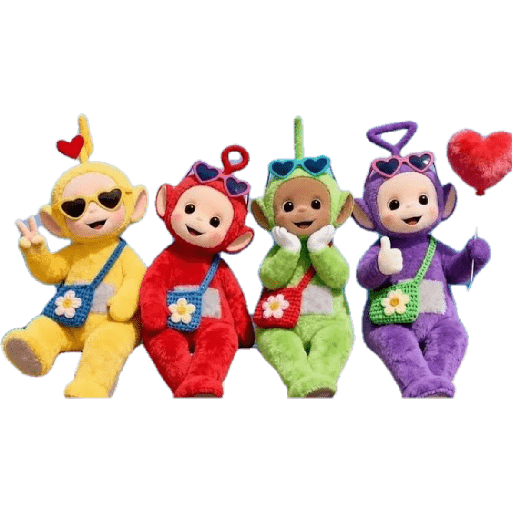
❤️ Teletubby Crew
Four Teletubbies in shades, bags, and hearts posing together. Cute group energy, friendship, or sending love to the chat.
-
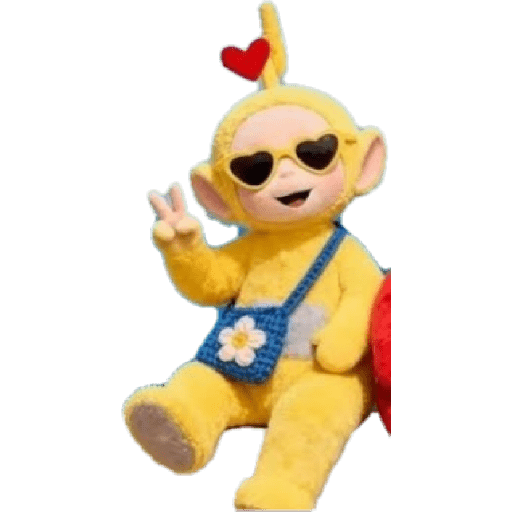
✌️ Peace Teletubby
The yellow Teletubby flashes a peace sign with cool shades. Peace, good vibes, or a cute hello in the conversation.
-
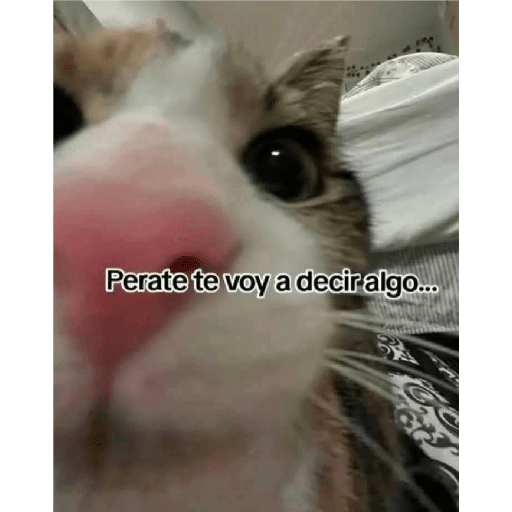
🐱 Wait I Gotta Tell
A close-up cat about to spill a secret in your ear. Gossip incoming, a secret, or wait, listen to this.
-

🤡 Fight Invite
A clown party card inviting you to a chaotic fight anytime. Jokingly challenging someone or starting playful drama.
Download and Install on WhatsApp
The Sticker Maker app is necessary to install this sticker pack on your WhatsApp. If you don't have it, download it from: Google Play Store and App Store. Once you have it on your phone, follow these instructions:
- Download the sticker file we provide below (it has the .wastickers extension). Locate the downloaded file on your mobile and tap it. Your device will ask you which application you want to open it with; select Sticker Maker. The app will automatically recognize the file as a new sticker pack.
- Once you see the pack inside Sticker Maker, just press the button that says "Add to My Library", then "Add to WhatsApp" and that's it! Your new stickers will be available for use in all your WhatsApp conversations.
Installation on WhatsApp with Sticker.ly
An easy way to add this pack is through the Sticker.ly app. If you don't have it yet, download it from: Google Play Store and App Store. Then choose one of these two simple methods:
- With Direct Link: Simply tap this link to the pack JEOBCO. If you have Sticker.ly installed, you will immediately see the stickers in the app.
- Using the Pack Code: If you prefer, you can copy the "pack code" by tapping here: and paste it into the search bar inside the Sticker.ly app.
Once inside Sticker.ly, confirm the action by tapping "Add to WhatsApp" and the stickers will be instantly sent to your WhatsApp app.