
༺MOCHITOS NAVIDEÑOS༻
📦 Das Paket '༺MOCHITOS NAVIDEÑOS༻' enthält 30 Sticker hohe Qualität. Kostenloser Download zur Installation auf WhatsApp.
-
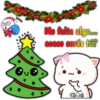
SHHH Me falta algo... acaso serás tú? Ch Ach
-
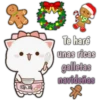
23 Chach Te haré unas ricas galletas navideñas *
-
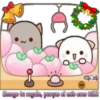
Chach Escoge tu regalo, porque el mío eres tú!!!
-
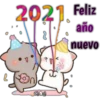
l 2021 Feliz año nuevo ChAch
-

Cuál es mi regalo? [ChAch Tu tú regalo
-
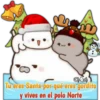
S 0 Chach Tu eres Santa-por-qué eres gordito y vives en el polo Norte
-
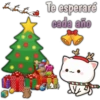
Te esperaré cada año Chanch لے
-

Nuestra primera nevada La juntos POT Chach
-

Te mando un abrazo muy fuerte IChIch
-
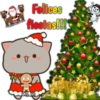
Felices fiestas!!! 2 Chach FOR
-
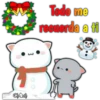
Chach 3 Todo me recuerda a ti
-
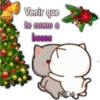
Venir que te como a besos
-
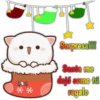
Chach Sorpresa!!! Santa me dejó como tú regalo
-
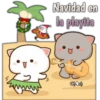
www. Navidad en la playita Chach
-
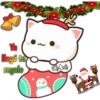
Ya llegó tu regalo Chach
-
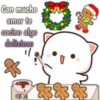
Con mucho amor te cocino algo delicioso "/ 8000. Chach 8383837
-
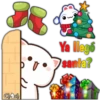
سم ChAch Ya llegó santa?
-
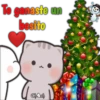
Te ganaste un besito Chach
-
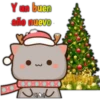
Y un buen año nuevo Chach
-
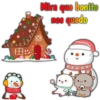
Ele A% Mira que bonito nos quedo لمعو chach Da
-

Apurale que hay que dormir, si no Santa no vendrá Ch Ich S
-
Hola felices fiestas!!! xa Chach O
-

Yo te caliento bebé 3 ChAch
-
Chach Mira los cohetes artificiales
-
Yo te haré una garrita navideña # ChAch
-
Ho ho jo feliz navidad Chach
-
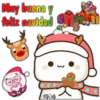
Muy buena feliz navidad Chach 3 ㅈ
-
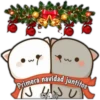
Primera navidad juntitos SU J Che Ich
-
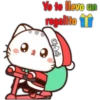
Yo te llevo un regalito Chach
-
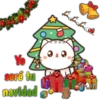
Yo seré tu navidad Chach
Herunterladen und in WhatsApp installieren
Die App Sticker Maker ist erforderlich, um dieses Sticker-Paket in Ihrem WhatsApp zu installieren. Falls Sie sie nicht haben, laden Sie sie von: Google Play Store und App Store herunter. Sobald Sie sie auf Ihrem Telefon haben, folgen Sie diesen Anweisungen:
- Laden Sie die von uns unten bereitgestellte Sticker-Datei herunter (sie hat die Erweiterung .wastickers). Suchen Sie die heruntergeladene Datei auf Ihrem Handy und tippen Sie darauf. Ihr Gerät fragt Sie, mit welcher Anwendung Sie sie öffnen möchten; wählen Sie Sticker Maker. Die App erkennt die Datei automatisch als neues Sticker-Paket.
- Sobald Sie das Paket in Sticker Maker sehen, drücken Sie einfach die Schaltfläche „Zu meiner Bibliothek hinzufügen“, dann "Zu WhatsApp hinzufügen" und das war's! Ihre neuen Sticker stehen für alle Ihre WhatsApp-Gespräche zur Verfügung.